
What Should Be Archived Before an H&B Freelance 2000 System Fails?
A recovery dossier for brownfield teams that need to protect the application, identify the installed hardware and shorten the path from failure to a controlled decision.
A working controller can conceal an information failure
Legacy control systems often receive attention only when a module fails, an engineering computer will no longer start or the one experienced engineer is unavailable. At that moment, the hard question is not simply which spare part fits. The plant must determine whether it can reconstruct the application, operator interface, communications and engineering environment well enough to recover a known operating state.
An H&B Freelance 2000 installation may have accumulated years of small changes. Operator graphics may no longer match the original issue, field devices may have been replaced, and handwritten cabinet notes may be more current than the drawing set. The running system can look stable while the knowledge required to restore it becomes progressively less reliable.
The relevant 2026 conversation is operational resilience: protecting not only hardware, but also the digital continuity and institutional knowledge that let a brownfield plant maintain or modernize safely. A disciplined archive turns that conversation into evidence.
Open the six drawers
Select a drawer to see what belongs inside it and which recovery question it answers. This replaces a static checklist with a working archive map.
Engineering project
Store the native project or application backup, controlled exports, project tree and the latest auto-generated documentation. Record the project identifier, export date, source workstation, responsible engineer and approved change reference.
- Keep the approved current revision and one previous known-good revision.
- Make the relationship between the file and the running plant explicit.
- Create a controlled revision after approved changes and final commissioning acceptance.
ABB’s Freelance engineering documentation describes an application backup that can include programs, graphics, controllers and field-device parameters. That makes the project the center of recovery—but not the entire recovery package.
Exact hardware identity
Record every controller, power supply, communication module, I/O item, base, interface and workstation that affects operation. Preserve the complete designation, article number, hardware revision, rack or slot position and condition.
- Photograph each complete label without cropping the suffix.
- Add one wider cabinet photograph to preserve physical context.
- Do not infer interchangeability from appearance or family name.
The inventory must let procurement identify the installed item without guessing and let engineering evaluate whether a proposed spare belongs in that exact system.
Communication map
Archive controller and workstation network arrangements, addresses, interface assignments, serial settings, fieldbus structure and the connected-device inventory. Link each configured communication object to the physical port, cable and remote device.
- Reconcile drawings with what is observed in the cabinet.
- Record exceptions instead of silently accepting them.
- Preserve the addressing logic and the diagnostic route.
An old hand annotation can be more accurate than the original drawing; field evidence and the controlled project must be compared while the system is available.
Operator evidence
Preserve operator displays, alarm and event configuration, trend and log definitions, report settings and the operating narratives used during abnormal conditions. ABB describes DigiVis as the operations layer for visualization, alarms, trends, archives and logs.
- Capture approved screenshots of critical displays and navigation.
- Document alarm meaning and expected operator response.
- Define what historical data must be retained or migrated.
Reference screenshots help operators identify a wrong or incomplete recovery even when the software opens without an error.
Engineering environment
Record the installed Freelance or Control Builder F revision, workstation operating-system details, required drivers, supported interfaces and the controlled location of installation media and license information.
- Document which approved workstation can open the project.
- Preserve driver and interface requirements.
- Record the authorized route to license and credential owners.
Do not place plain-text passwords, private keys or unrestricted credentials in an ordinary archive. Store the secure retrieval procedure and accountable owner instead.
Restore and acceptance evidence
Document who may restore, the order of operations, prerequisite checks, integrity results, controller download boundaries and the evidence required before restart.
- Test retrieval and project opening in an authorized non-production environment where available.
- Verify controller assignments, displays, communications and expected project content.
- Record exceptions, verifier, date and rollback route.
A file that has never been examined is an assumption. A controlled rehearsal converts that assumption into evidence.
One project file versus one recoverable system
The project can carry substantial engineering content. The surrounding dossier proves whether that content can be applied to the installed plant.
Official project content
ABB documentation describes backup, import, export and auto-generated documentation capabilities across the Freelance engineering environment.
- Programs and task structure
- Operator graphics and displays
- Controller configuration
- Variables, tags and project-tree content
- Communication and field-device parameters included in the project
- Generated documentation for program, communication and device settings
Recovery proof around the file
A usable dossier adds evidence the project file cannot prove by its presence alone.
- Match to the running plant
- Compatible engineering software and operating environment
- Exact controller, module and interface inventory
- Controlled media and license-access process
- Network and field-device topology
- Restore rehearsal and acceptance result
Six records that remove ambiguity
The ledger is deliberately operational: every row contains an object, evidence and a question that must be answerable during downtime.
| Record | Minimum evidence | Control question |
|---|---|---|
| Project revision | Native file, identifier, export date, engineer and approved change reference | Does this match the running plant? |
| Software environment | Engineering and operator revision, OS, drivers, media and license route | Can an approved workstation open it? |
| Hardware inventory | Full designation, article number, revision, position and label photo | Can the installed item be identified without guessing? |
| Communications | Network, serial and fieldbus topology, addresses, ports and devices | Can every configured path be traced to the field? |
| Operator assets | Displays, alarms, trends, logs, reports and reference screenshots | Can operations recognize correct recovery? |
| Restore evidence | Integrity check, rehearsal date, exceptions, verifier and acceptance result | Has the package been demonstrated? |
If this failed tonight, which file would you open first?
Select a scenario. The response changes to show the first evidence chain the team should retrieve. It is a planning aid, not permission to work on a running system.
Open the environment record before buying a new computer
Retrieve the approved project revision, engineering-software version, operating-environment record, interface/driver list, controlled installation media and license-access procedure. A replacement workstation is useful only when the project can be opened and connected through a supported, authorized path.
Open the controller identity and restore-boundary record
Retrieve the exact controller designation and revision, project assignment, power and network evidence, recent diagnostics, approved project file, restore procedure and acceptance checklist. Distinguish a controller problem from power, interface or network symptoms before selecting a replacement.
Open the hardware ledger and the cabinet photographs
Use the full article number, suffix, revision, slot, wiring context and related project object. Do not let “it looks the same” become a compatibility decision. The proposed spare must be reviewed against the installed system and software support.
Open the complete dossier, not only the latest backup
Modernization planning needs project content, interfaces, field-device parameters, operator assets, hardware topology, change history and acceptance criteria. These records show what must be preserved, converted, retested or retired in a staged plan.
Send the evidence, not only “Freelance 2000”
For a useful parts discussion, provide complete module designations, article numbers, revisions, quantities, rack or slot positions, controller family and clear label photographs. Add the software revision and state whether the request concerns an emergency replacement, planned spare or modernization review.
Email the dossier summaryNordwel contact pageFreelance hardware review
Email
sales2@mooreplc.com
Phone / WhatsApp
+86 18030235313
Attach
Labels · revisions · slot context · software version · quantity · destination
“Freelance” is a product history, not proof of interchangeability
Current development and a long installed base make version evidence essential.
ABB continues to develop Freelance. Official current material describes Freelance 2024 in terms of usability, connectivity, compatibility, security and digitalization, while emphasizing that customers can scale and upgrade on their own terms. That direction is relevant to installed-base planning; it is not a promise that every H&B Freelance 2000 project can move directly to present hardware or software.
The actual path depends on the installed controller family, project revision, engineering software, licenses, communication interfaces, fieldbus implementation, I/O topology and the quality of existing documentation. Some plants may preserve a like-for-like spare strategy while repairing their records. Others may use the dossier as the foundation for staged modernization.
ABB’s modernization guidance supports stepwise approaches where appropriate to reduce unnecessary disruption and preserve familiar operating practice. The archive makes that strategy concrete: it identifies what is preserved, what is converted, what must be tested and which risks belong in the shutdown plan.
Test the information chain before the production system
The route below separates archive validation from any authorized production download.
Freeze and identify
Record the active project and modification status, assign a unique archive identifier and prevent unreviewed files from being presented as recovery masters.
Verify media integrity
Confirm that files can be read from the controlled repository. Record size, date and an integrity value so later transfers can be checked.
Open in the authorized environment
Use the documented engineering revision and confirm that the project tree, controller assignments, displays and communication objects are present.
Compare with the installed plant
Reconcile controller, module, interface, tag, graphic and drawing evidence. Record every unresolved difference.
Define the download boundary
State what may be restored, what remains untouched, who authorizes the action and which plant conditions are required.
Prove function and rollback
Agree communications, selected I/O, interlocks, alarms, graphics, trends, operator response and rollback evidence before restart.
Move knowledge out of one person’s memory
A second qualified person should be able to locate and explain the package.
Critical displays, alarm meaning, trend expectation and safe-state narratives.
Correct navigation and recognizable behavior after recovery.
Project revisions, topology, diagnostics, hardware identity and restore instructions.
The package can be retrieved, opened and compared to the field.
Complete part numbers, suffixes, quantity, intended position and storage status.
A spare is traceable to its reviewed application.
The handover should end with named owners, review intervals and a retrieval exercise. If only one person can find or interpret the archive, the site still has a single point of failure.
Use the archive to make a decision—not to postpone every decision
Evidence supports both continued maintenance and a controlled upgrade plan.
A good dossier reduces uncertainty, but it does not make aging hardware new. Review modernization when replacement parts are difficult to validate, engineering tools depend on unsupported environments, the workstation cannot be reproduced, interfaces no longer meet plant requirements or production consequence exceeds the value of a reactive spare strategy.
ABB’s official Freelance service portfolio includes spare and emergency parts, repair or exchange, software and hardware upgrades, training, health checks and system-assessment services. The right route depends on the installed base. A precise dossier lets the plant and its suppliers discuss the actual system rather than a family label.
A defensible approach is often staged: first protect the current application and evidence, then address single points of failure, then define interfaces and acceptance requirements for modernization. This keeps operational knowledge attached to the project instead of rediscovering it during an outage.
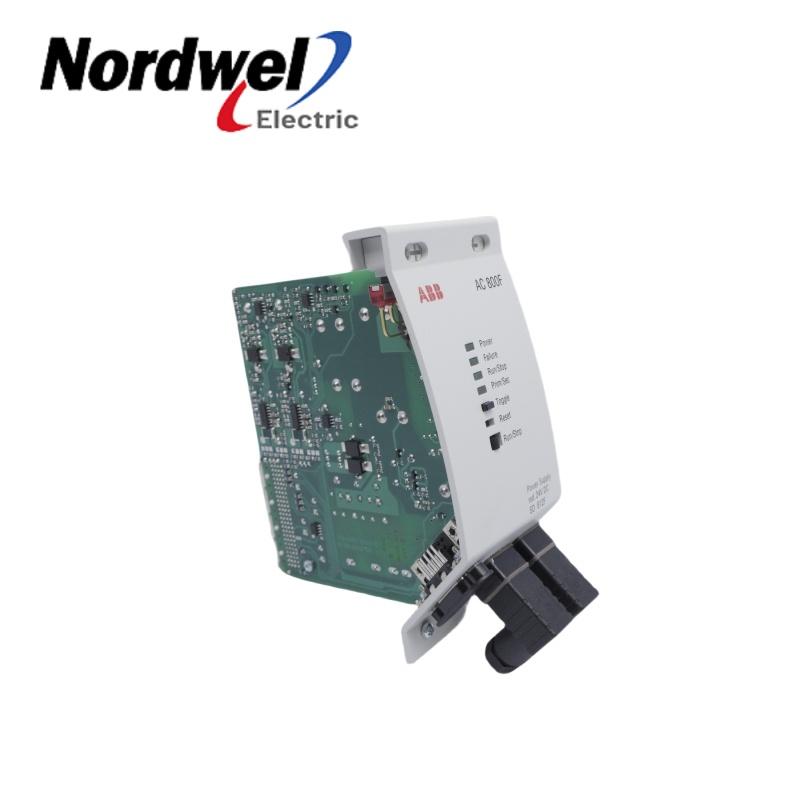
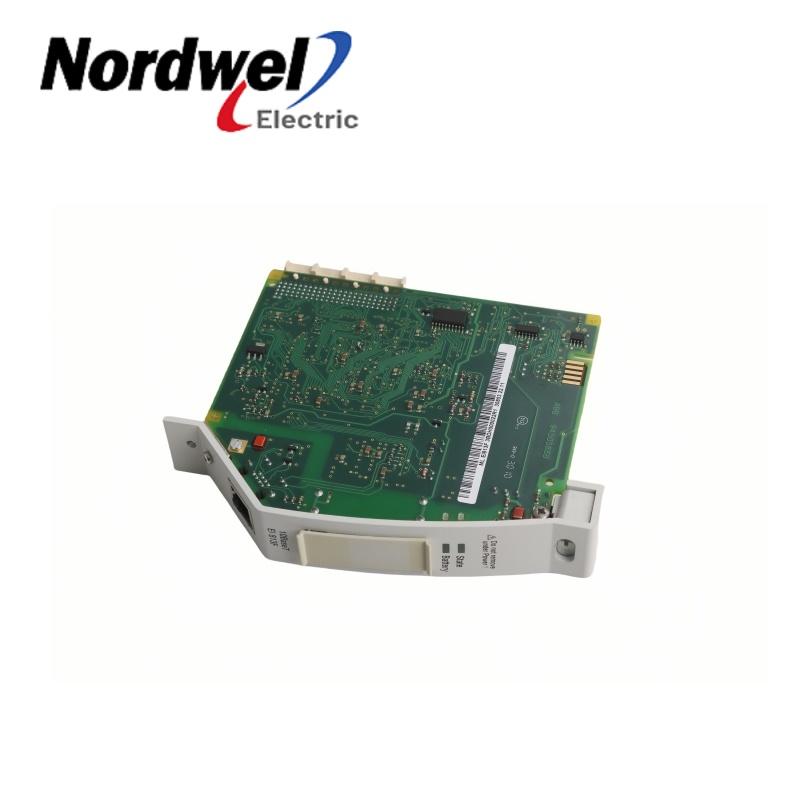
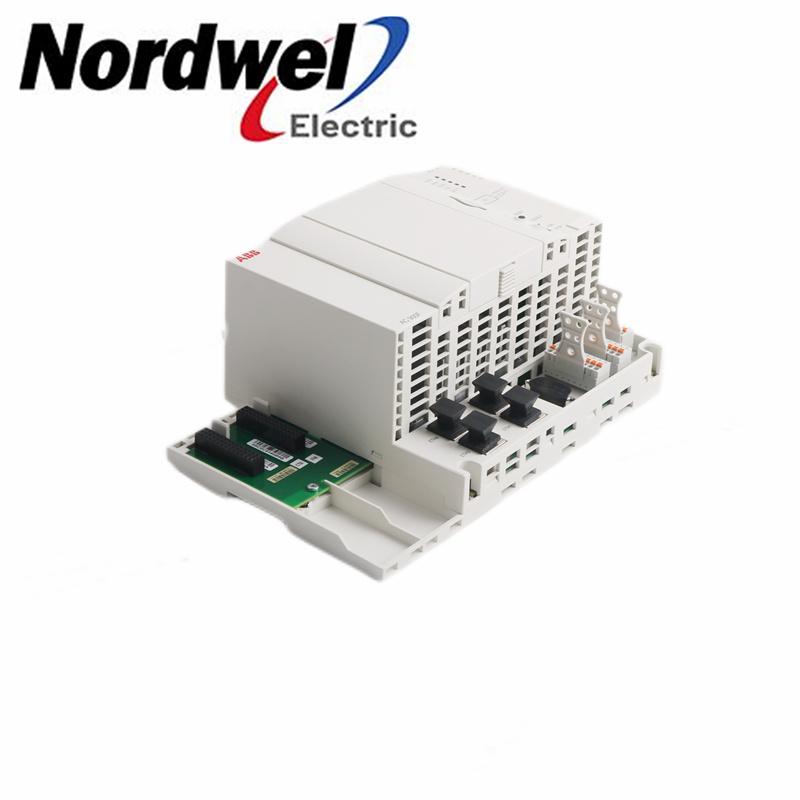
Related Freelance-family references on Nordwel
These cards stay inside Nordwel. They identify related product pages; they do not claim direct replacement compatibility for a specific H&B Freelance 2000 installation.

Frequently asked questions
Resolve these questions before the system is unavailable.
01 — Is copying the project file enough?
No. The project file is central and can contain programs, graphics, controllers and field-device parameters. Recovery also depends on compatible software, licenses, exact hardware, interfaces and verification evidence.
02 — How often should a new archive be created?
Create a controlled revision after approved project changes and final commissioning acceptance. Review it after hardware, workstation, network, field-device or operating-procedure changes that affect recovery.
03 — Should passwords be stored inside the dossier?
No. Record the approved access route, owner and escalation process. Keep passwords, private keys and unrestricted credentials in the plant’s authorized secure system.
04 — Can any current Freelance workstation open an old project?
Do not assume so. Compatibility depends on project and software revision, operating environment, licenses, controller family and interfaces. A version-specific engineering review is required.
05 — Why keep screenshots if graphics are in the project?
Selected approved screenshots are independent acceptance evidence. They let operations compare critical navigation and views after recovery.
06 — Why photograph labels?
Photographs preserve complete article numbers, suffixes and revisions that may be shortened in an old spreadsheet. A cabinet view ties the label to its physical context.
07 — What is a restore rehearsal?
It is a controlled check that the package can be retrieved, opened and reviewed in an authorized non-production environment. It is not permission to download to a running system.
08 — Is a matching part number enough for a spare?
No. Confirm complete designation, revision, position, software support, configuration requirements, storage condition and test plan.
09 — What if project and cabinet evidence disagree?
Treat the difference as an unresolved recovery risk. Reconcile the project, drawings and field evidence under site change control.
10 — Does an archive remove the need to modernize?
No. It makes the decision safer. Hardware availability, workstation support, interfaces, security expectations and production consequence still determine the path.
11 — What belongs in a spare-parts inquiry?
Send full labels, article numbers, revisions, quantities, controller family, position, software revision, destination, timing and clear photographs. State the purpose of the request.
12 — Can historical alarms and trends be migrated automatically?
Do not assume so. Define which records are required, then verify the installed revision, retention rules and migration method in a system-specific plan.
Freelance DCS Product Catalog
Use this manufacturer catalog as a family reference. It does not prove compatibility with a specific H&B Freelance 2000 installation; verify the exact installed revision and migration or replacement path.