A manufacturer-sourced guide to reading SIMATIC article numbers, comparing close variants, checking lifecycle status and avoiding wrong-part purchases.
Siemens SIMATIC controllers, signal modules, interface modules and accessories often carry article numbers beginning with 6ES7. In maintenance conversations, people may shorten a description to “CPU 1214C,” “SM 521,” “IM 155-6” or simply “a 6ES7 module.” Those labels identify a family or function, but they do not necessarily identify the exact product that must be ordered.
The full Siemens article number—also called an MLFB in Siemens documentation—distinguishes the market-facing configuration. A single changed letter or digit can indicate a different supply arrangement, output type, performance class, hardware generation, package or product variant. That is why purchasing from a shortened family name, an incomplete label or a visually similar module creates avoidable compatibility risk.
Read a 6ES7 number as one complete article number first, and only then use its visible groups to organize the review.
Practical boundary: The code pattern helps you search and compare, but the official product page, datasheet, manual and installed system configuration remain authoritative.
Siemens documentation defines the MLFB as a machine-readable product designation and states that it is the article number of a product, serving as a type and system designation. In current SiePortal pages, the same identifier is commonly labeled “Article Number” or “Article Number (Market Facing Number).”
For procurement purposes, treat “article number,” “order number” and “MLFB” as references to the exact catalog identifier shown on the manufacturer record. Also distinguish it from the serial number, firmware version, hardware functional status, manufacturing date and internal customer stock code. These fields answer different questions.
6ES7 214-1AG40-0XB0 and 6ES7214-1AG40-0XB0 are commonly encountered display forms of the same character sequence. Preserve every letter, digit and hyphen when searching or requesting a quotation.
Consider the official S7-1200 example 6ES7214-1AG40-0XB0, which Siemens identifies as a SIMATIC S7-1200 CPU 1214C compact CPU in the DC/DC/DC variant. The visible groups are useful for comparison, but their meaning must be confirmed within the specific product family.
The first block helps narrow the search to a Siemens automation catalog family. The next digits and letters identify the specific family and variant in that catalog context. The final suffix remains part of the orderable identity. It should never be treated as decoration or removed because two front labels look similar.
Do not convert these groups into a universal alphabet dictionary. For example, the letters used for the supply and output variants of an S7-1200 compact CPU do not automatically carry the same meaning in an S7-1500 signal module or ET 200SP interface module. Use the exact product-family selection table.
| Official article number | Siemens product identity | What the example teaches |
|---|---|---|
| 6ES7214-1AG40-0XB0 | SIMATIC S7-1200 CPU 1214C, compact CPU, DC/DC/DC | The complete variant block identifies the electrical configuration. |
| 6ES7221-1BF32-0XB0 | SIMATIC S7-1200 SM 1221, 8 × 24 V DC digital input | The 221 family block is used for an S7-1200 digital input module in this catalog. |
| 6ES7521-1BL00-0AB0 | SIMATIC S7-1500 SM 521, DI 32 × 24 V DC HF | A similar “521” visible family name belongs to a different platform and exact configuration. |
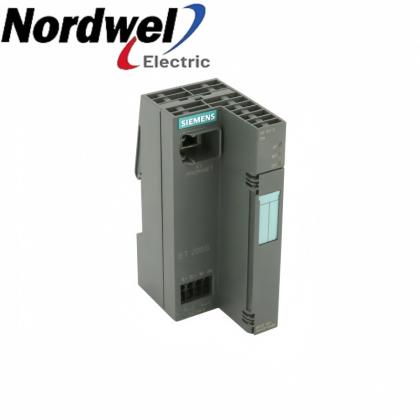
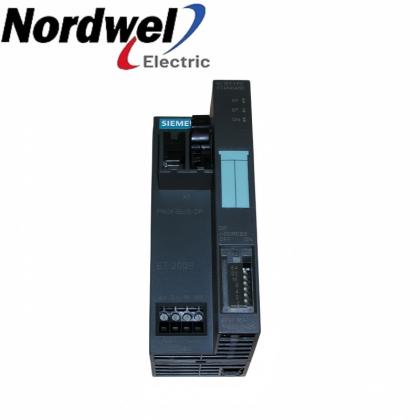
| 6ES7155-6AU01-0BN0 | SIMATIC ET 200SP IM 155-6 PN Standard interface module | The article number identifies an interface module and its exact catalog version. |
| 6ES7390-1AE80-0AA0 | SIMATIC S7-300 rack example used in Siemens TIA Portal Openness documentation | Siemens software may also use wildcard catalog identifiers, but a purchase still requires the exact orderable code. |
These examples are deliberately from different SIMATIC families. They show why “starts with 6ES7” is not a sufficient specification. The product description, family, electrical characteristics, accessories and engineering compatibility must all be checked against the complete code.
Siemens’ official S7-1200 product overview lists several CPU 1214 variants whose article numbers differ only in a small part of the middle block. The differences are operational, not cosmetic.
| Article number | Official variant | Procurement implication |
|---|---|---|
| 6ES7214-1AG40-0XB0 | CPU 1214C, DC/DC/DC | DC supply, DC inputs and transistor outputs |
| 6ES7214-1BG40-0XB0 | CPU 1214C, AC/DC/Relay | Different supply and relay-output arrangement |
| 6ES7214-1HG40-0XB0 | CPU 1214C, DC/DC/Relay | DC supply with relay outputs |
| 6ES7214-1AF40-0XB0 | CPU 1214 FC, DC/DC/DC | Fail-safe CPU variant; engineering requirements differ |
| 6ES7214-1HF40-0XB0 | CPU 1214 FC, DC/DC/Relay | Fail-safe relay-output variant |
This is the core lesson of 6ES7 identification: a near match can belong to the same broad CPU family yet still have different power, output or safety characteristics. Visual similarity and shared mounting dimensions do not establish equivalence.
SiePortal product pages add lifecycle information to the article number. Siemens uses status designations such as an active product and phases associated with phase-out or discontinuation. A page may also name a successor article number.
For example, Siemens identifies 6ES7155-6AU01-0BN0 as an ET 200SP IM 155-6 PN Standard interface module and lists 6ES7155-6AU02-0BN0 as its successor. That is valuable sourcing information, but it is not by itself a statement that the newer module can be installed without engineering review.
A successor assessment should consider TIA Portal support, firmware, GSD/GSDML requirements, permitted I/O configuration, BusAdapter or server-module requirements, hot-swap behavior, approvals and the installed station design. Record the exact reason for the change before approving a different MLFB.
Siemens product information instructs users to use the order number (MLFB) and release number when dealing with service contacts. The practical verification record should include more than a typed model number.
Photograph the full article number, serial number and visible hardware or release marking.
Search the complete code in Siemens SiePortal and match the official product description.
Compare the installed device with the hardware catalog entry and configured firmware.
Confirm rack, base unit, front connector, memory card, BusAdapter and software support.
When the nameplate is damaged or incomplete, do not reconstruct missing characters from appearance. Compare the electrical diagram, TIA Portal or STEP 7 hardware configuration, machine bill of materials, cabinet photographs and historical purchase records. Mark any unresolved field as requiring confirmation.
A shared “6ES7” prefix, the same three-digit family block or a similar front label does not prove compatibility. Request a documented comparison of the complete old and proposed article numbers.
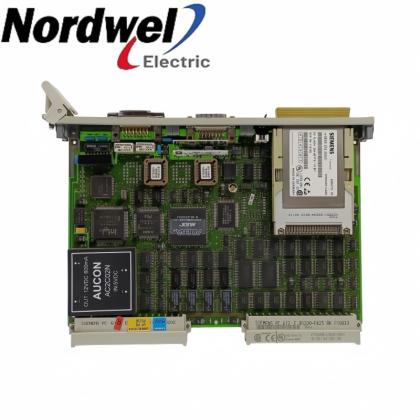
These catalog links illustrate how exact article numbers distinguish CPUs and function modules. They are sourcing references, not automatic substitutes.
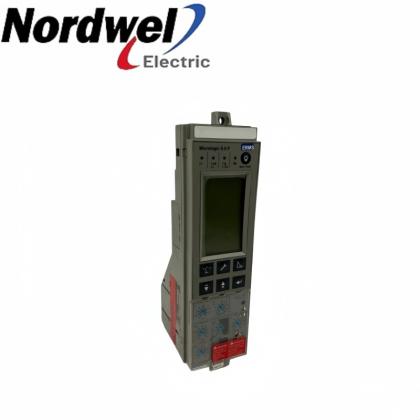
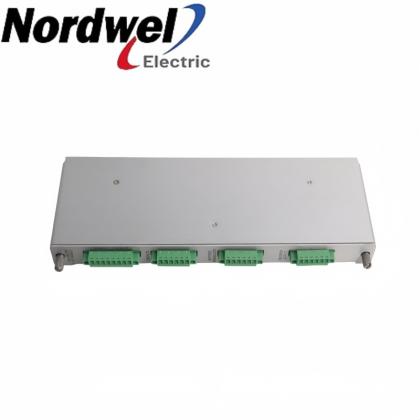
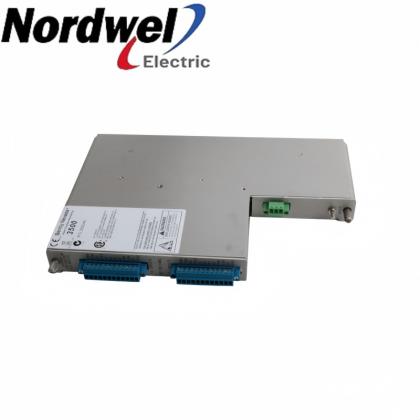
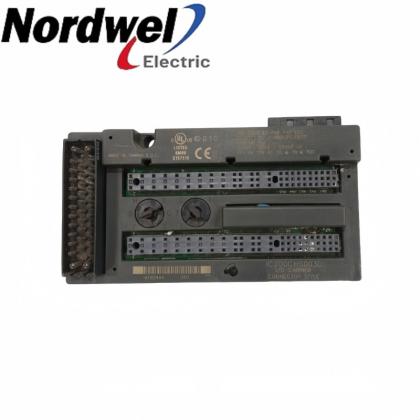
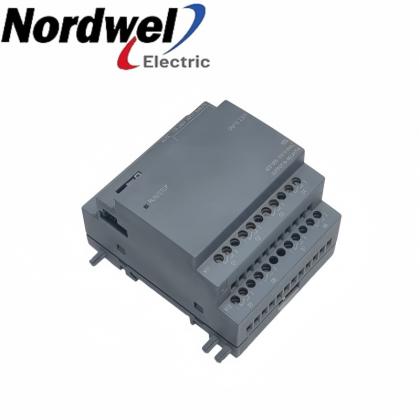
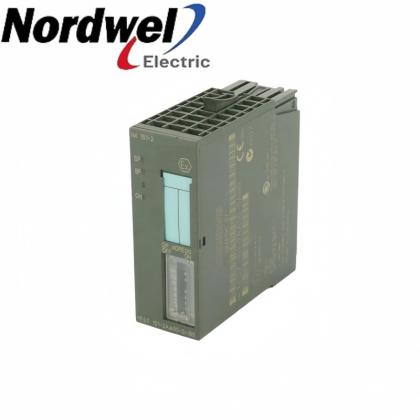
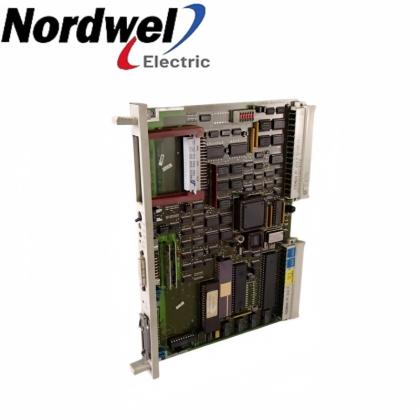
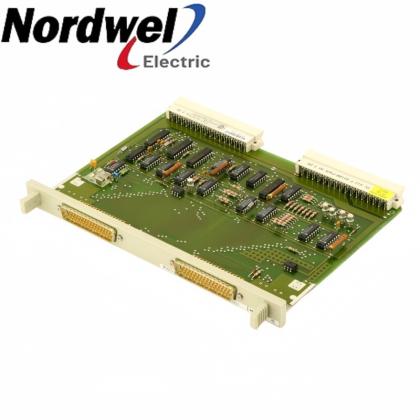
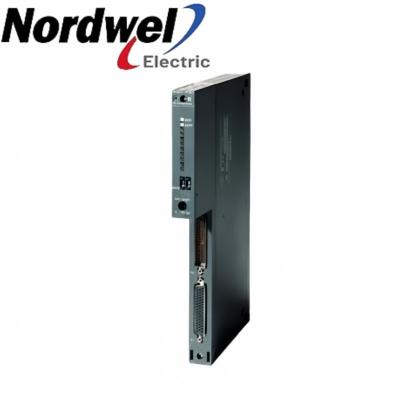
FM 352 electronic cam controller reference.
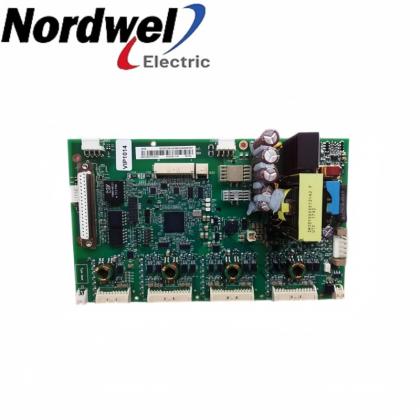
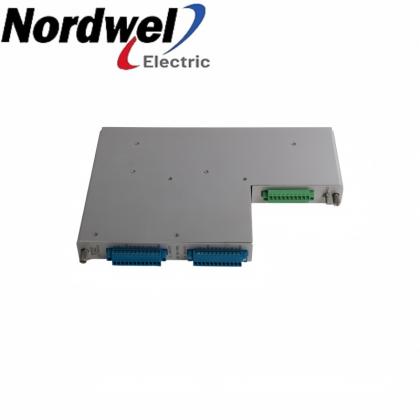
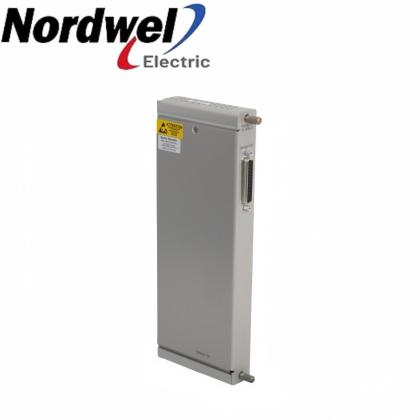
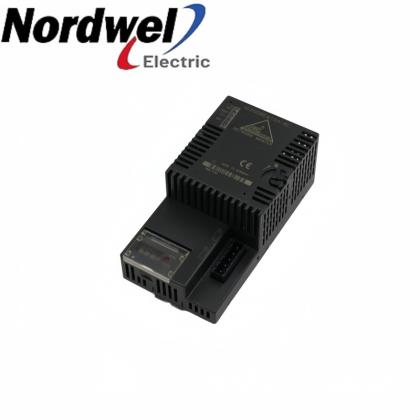
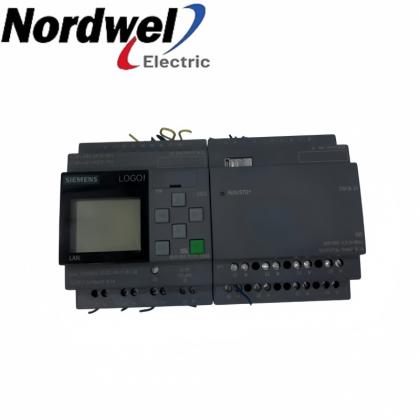
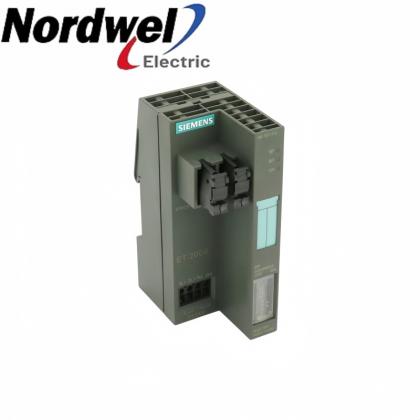
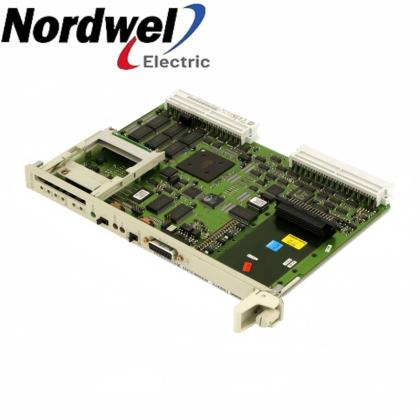
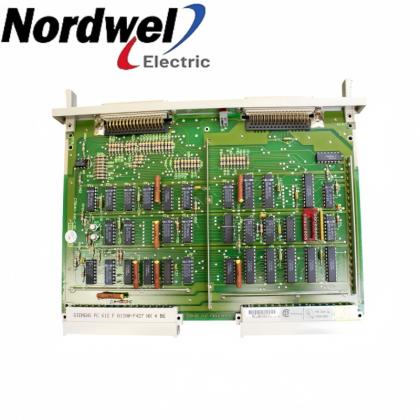
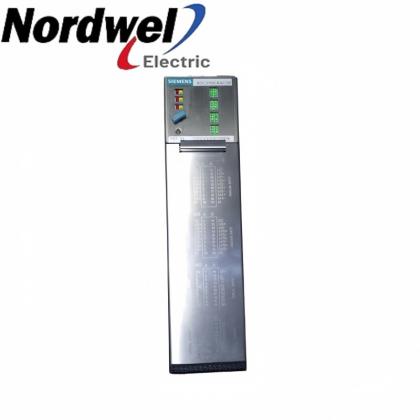
6ES7315-2AF02-0AB0SIMATIC S7-300CPU 315-2 DP central processing unit reference.
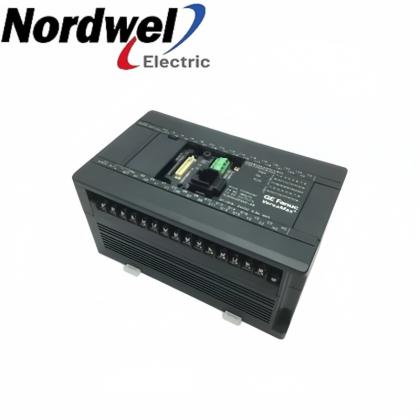
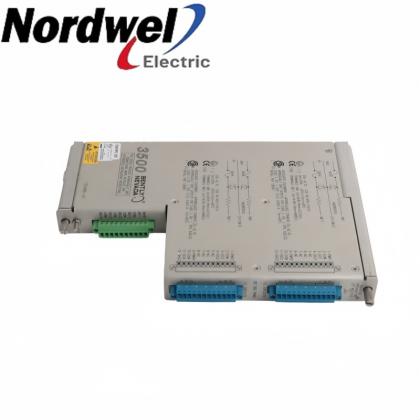
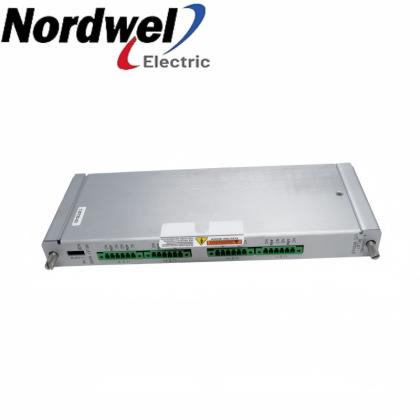
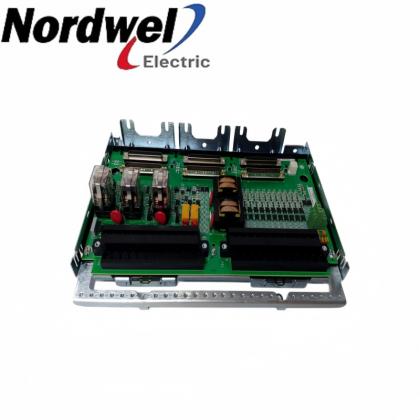
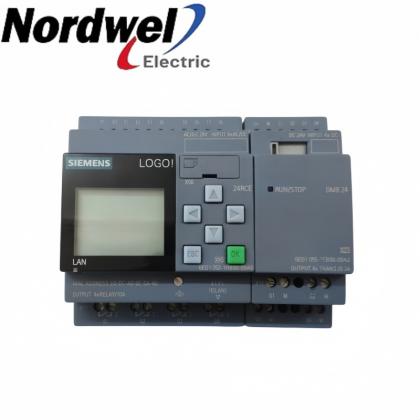
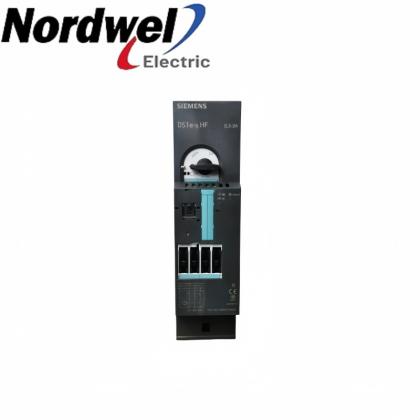
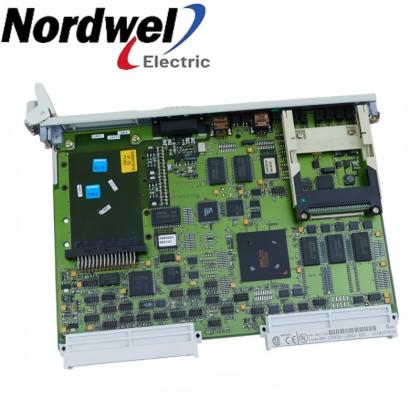
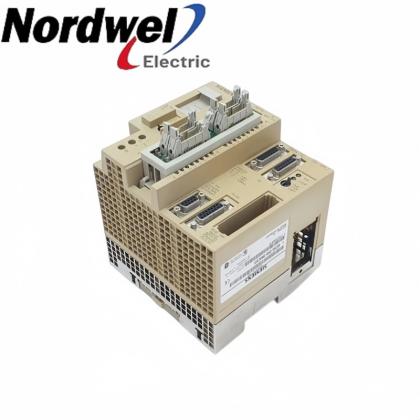
6ES7315-2FH13-0AB0SIMATIC S7-300 FCPU 315F-2 PN/DP fail-safe controller reference.
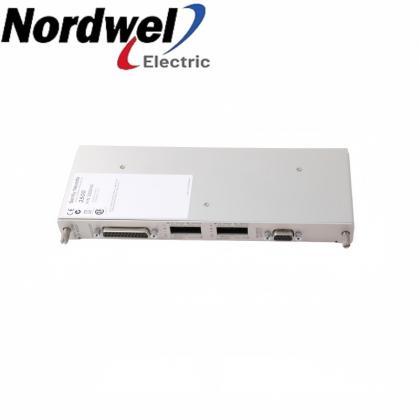
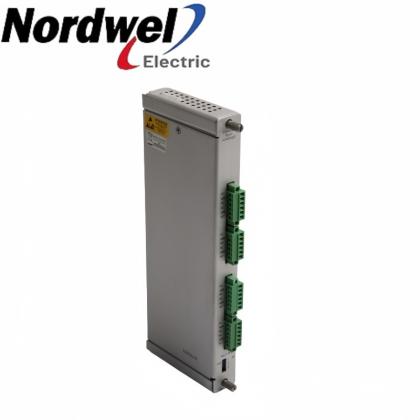
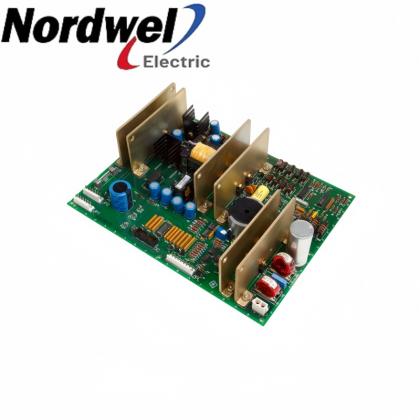
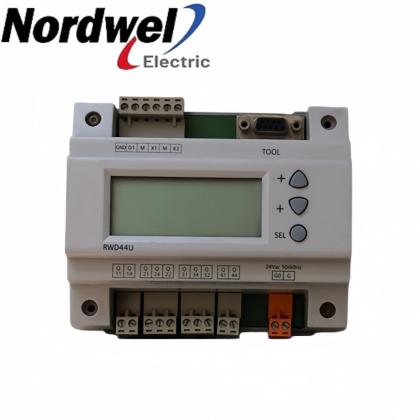
6ES7511-1FK02-0AB0SIMATIC S7-1500 FCPU 1511F-1 PN fail-safe controller reference.
Selection boundary: Confirm the complete article number, product family, electrical characteristics, hardware status, firmware, accessories, approvals and installed engineering environment before ordering.
Select a question to reveal the answer.
It is a common prefix used across many Siemens SIMATIC automation article numbers. It narrows the catalog family, but it does not identify an exact device by itself.
Siemens documentation describes the MLFB as the machine-readable product designation and the article number of a product. Current SiePortal pages commonly label it “Article Number” or “Article Number (Market Facing Number).”
No. Siemens documents may display a space for readability, while web catalog URLs often omit it. Compare the full sequence of letters and digits and retain both hyphens.
No. Meanings are product-family specific. A safe decoder uses the official selection and ordering table for the exact SIMATIC family instead of applying one letter dictionary to all 6ES7 products.
Within the S7-1200 CPU 1214 family, Siemens lists different middle blocks for DC/DC/DC, AC/DC/relay, DC/DC/relay and fail-safe variants. A small code difference can therefore change electrical or safety characteristics.
No. A Siemens-listed successor is a starting point for migration review. Confirm hardware configuration, firmware, engineering software, accessories, approvals and application-specific functions before replacement.
Use the installed product label together with the matching Siemens SiePortal record, datasheet, manual and the project hardware configuration. Preserve photographs and downloaded records with the procurement file.
Send the complete article number, quantity, nameplate photographs, hardware and firmware information, installed controller or station, required accessories, approval requirements, condition requirement and delivery destination.
A Siemens 6ES7 article number is most useful when it is treated as a complete product identity. The prefix and visible groups help organize a search, but the exact product description comes from the official Siemens record for the full code.
For engineers and procurement teams, the controlled process is straightforward: photograph the installed label, preserve every character, match the official catalog record, compare close variants, check lifecycle and successor information, and verify the complete system before approving a purchase.
The safest replacement decision is based on the exact article number, installed configuration and manufacturer documentation—not on appearance or a shortened family name.
Include the complete 6ES7 article number, quantity, nameplate photographs, hardware and firmware information, installed system, required accessories, approval requirements and delivery destination.
For pricing, availability or configuration review, send the full article number and installed-system details.
sales@askplc.comTechnical note: Final suitability depends on the exact article number, hardware and firmware status, controller or station configuration, accessories, approvals, engineering software and manufacturer instructions. Related products shown above are reference examples, not declared substitutes.


Disclaimer:
Nordwel sells new and surplus products and develops channels for purchasing such products. This website has not been approved or recognized by any of the listed manufacturers or trademarks.