other
Products
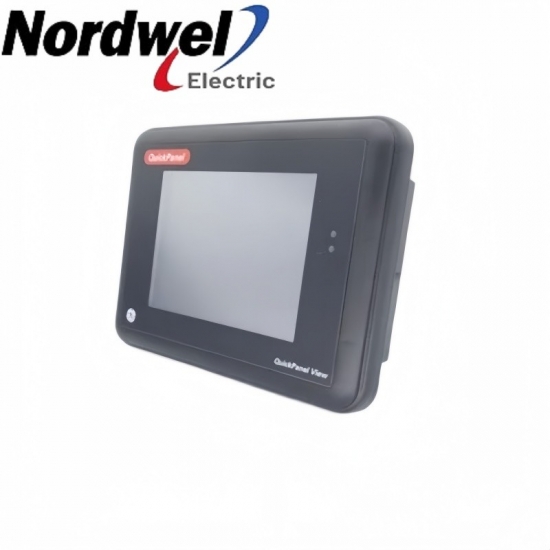
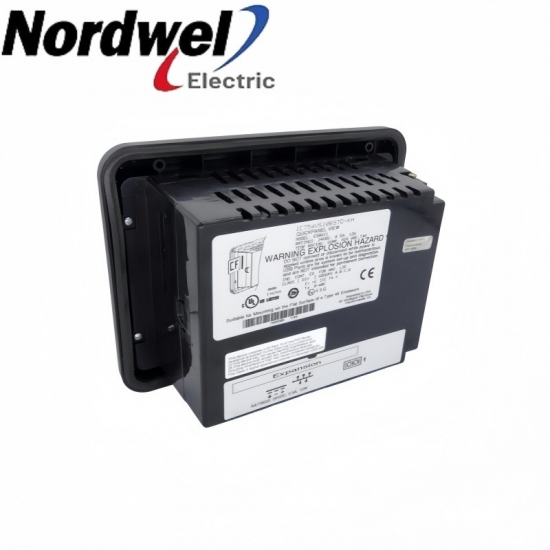
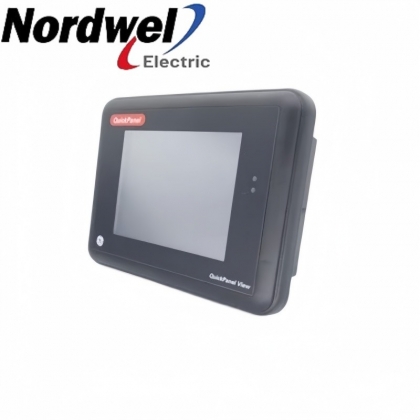
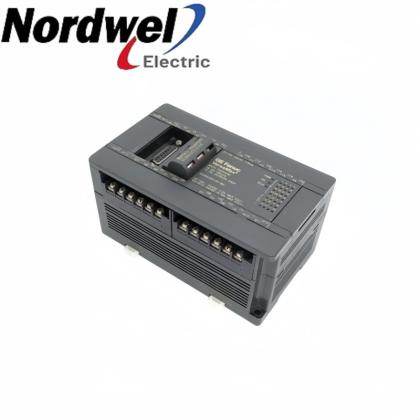
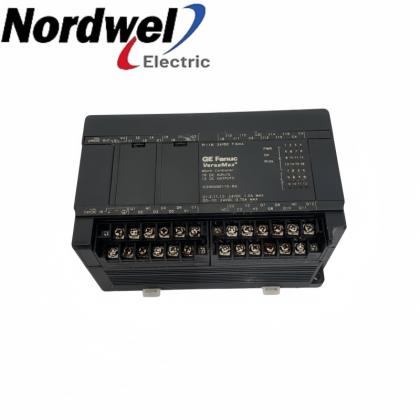
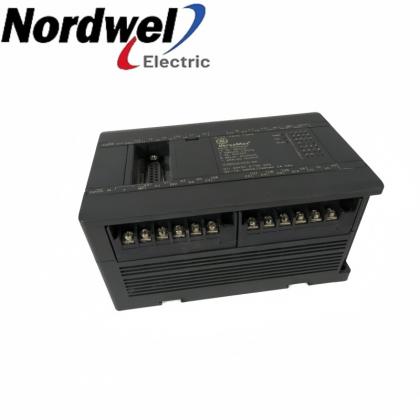
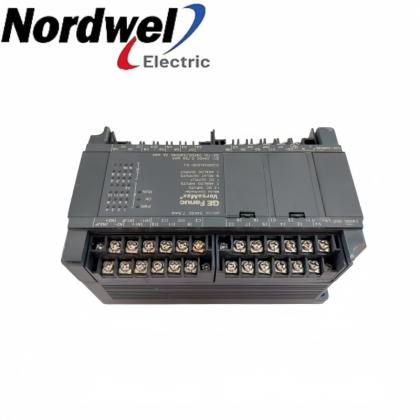
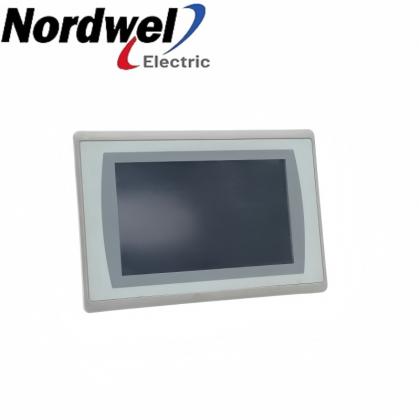
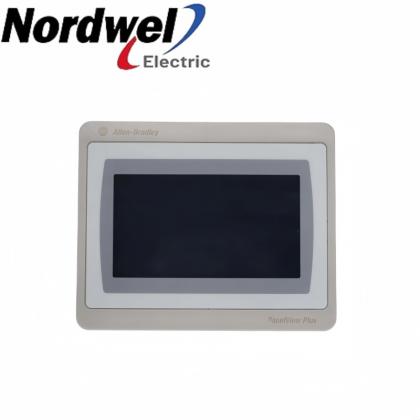
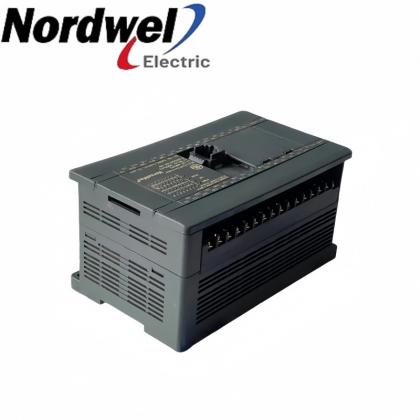
General Electric IC754VSI06STD-KH QuickPanel View color STN operator interface product views

General Electric IC754VSI06STD-KH QuickPanel View color STN touchscreen operator interface

EMAIL SALES
General Electric QuickPanel View
IC754VSI06STD-KH - color STN touchscreen operator interface

A color STN touch interface presents machine-level HMI screens. Ethernet and a combined serial port support the configured application connections.

General ElectricQuickPanel ViewColor STN touch HMI
Sales managerTiffany Guan
Mobile / WhatsApp+86 18030235313
IC754VSI06STD-KH product profile
Product familyQuickPanel View
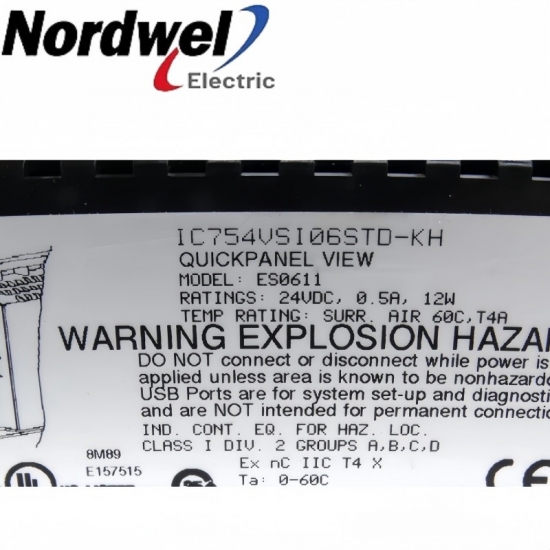
Exact modelIC754VSI06STD-KH
Display resolution320 x 240 pixels
DC input10.8-30 VDC
Serial interfaceEIA232C / EIA485 COM1
Ethernet10/100BaseT; RJ45
  • Brand:

    General Electric
  • Item NO.:

    IC754VSI06STD-KH
IC754VSI06STD-KH configuration inquiry

Get a precise quote for IC754VSI06STD-KH

Email Sales
Sales managerTiffany Guan
WhatsApp+86 18030235313

IC754VSI06STD-KH functions and interfaces

IC754VSI06STD-KH provides machine-level operator interaction through a color STN display and resistive touch input. Its Windows CE.NET environment runs the installed HMI project, with Ethernet and COM1 connections configured for the machine. Match the hardware revision, application files and field connections before commissioning a replacement.

Operator interactionUse the resistive touchscreen to operate the controls and displays implemented by the machine HMI application.
Network connectionConnect the RJ45 Ethernet interface to the approved machine network with the correct address settings.
Serial integrationMatch the COM1 electrical mode and cable pinout to the installed EIA232C or EIA485 connection.
Application continuityRetain the project files and operating-system configuration needed to restore the machine interface after replacement.

Installation and selection boundaries

  • The COM1 connection uses a female 25-pin connector; its EIA232C and EIA485 signals must not be treated as interchangeable wiring.
  • Changes to Windows CE configuration require the Backup utility to retain them through a power cycle.
  • Disconnect power before opening the rear access cover and use antistatic precautions when accessing internal components.
Official product data

IC754VSI06STD-KH key specifications

DC supply 24 VDC nominal; 0.5 A / 12 W nameplate rating; 10.8-30 VDC design input range
Display Passive color STN; 320 x 240 pixels; 65,536 colors
Touch input Resistive; 12-bit
Processor Intel XScale PXA255; 300 MHz
Standard memory 32 MB FLASH; 32 MB DRAM; 512 KB battery-backed SRAM
Serial COM1 EIA232C / EIA485; female 25-pin connector; 300-115,200 bps
Ethernet IEEE 802.3 10/100BaseT; RJ45; automatic negotiation
Color-unit operating temperature 0-60 degrees C
Operating humidity 10-90% RH; non-condensing

GE Fanuc GFK-2325, May 2004: operating procedures and Appendix A1 design specifications; ES0611 manufacturer nameplate.

Pre-order check 01

Installation environment

Prepare the panel mounting, DC wiring and machine communication connections before installing the operator interface.

  • De-energize the DC supply before terminating the removable power plug; check polarity and the frame-ground connection.
  • Seat the bezel gasket correctly, engage all four mounting brackets and tighten their screws to 0.3-0.5 N m.
  • Keep the color unit within 0-60 degrees C and 10-90% non-condensing relative humidity during operation.
  • Check display response, touch calibration, communication links and the restored HMI application before returning the machine to normal use.
Keep the approved field drawing and installation records available during verification.
Pre-order check 02

Compatibility confirmation

Match the complete component identity with the fitted interfaces and installed configuration.

Complete identity
Match IC754VSI06STD-KH and the fitted hardware revision with the machine's replacement record.
Power circuit
Confirm the supply range, connector polarity and frame-ground connection at the installed panel.
Serial wiring
Check the required EIA232C or EIA485 mode, connector pinout, baud rate and network termination.
Network configuration
Use an approved Ethernet address, subnet and gateway; ensure the application connection settings agree.
Project and runtime
Compare the available HMI project, operating-system/platform information and configured devices before transfer.
Complete a controlled startup test using the machine's approved project and field connections before placing the interface in service.
Recommended model families

General Electric models

General ElectricGeneral Electric DS200SHVIG1AGeneral Electric DS200PTCTG1AGeneral Electric DS200PLIBG1A

Separate product references; inclusion here does not establish compatibility or interchangeability.

General ElectricGeneral Electric DS200PANAH1AGeneral Electric DS200FHVAG1AGeneral Electric DS200FCGDH1A

Separate product references; inclusion here does not establish compatibility or interchangeability.

General ElectricGeneral Electric DS200EXPSG1ABBGeneral Electric DS200EXDEG1AGeneral Electric DS200DMCBG2AKG

Separate product references; inclusion here does not establish compatibility or interchangeability.

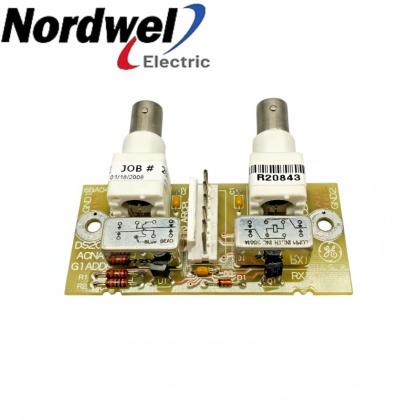
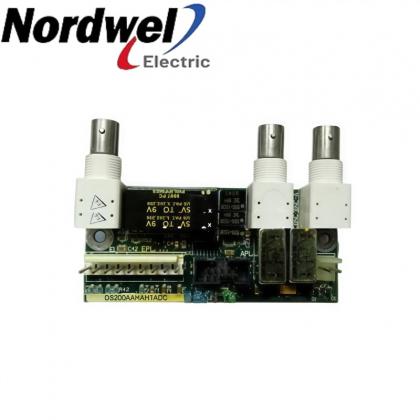
General ElectricGeneral Electric DS200DMCBG2AGeneral Electric DS200ACNAG1AGeneral Electric DS200AAHAH1A

Separate product references; inclusion here does not establish compatibility or interchangeability.

Additional published brands

Additional Advantage Models

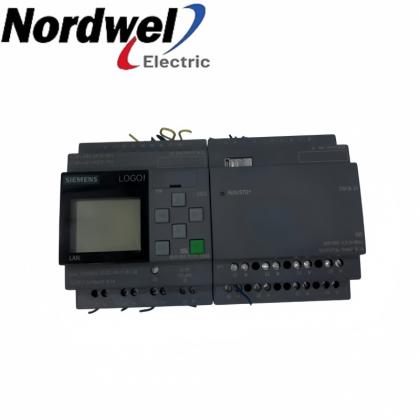
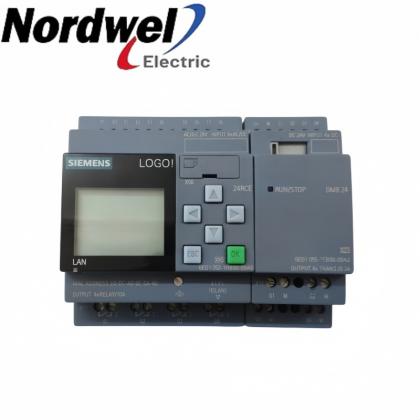
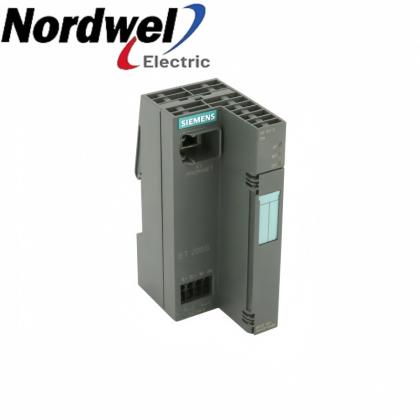
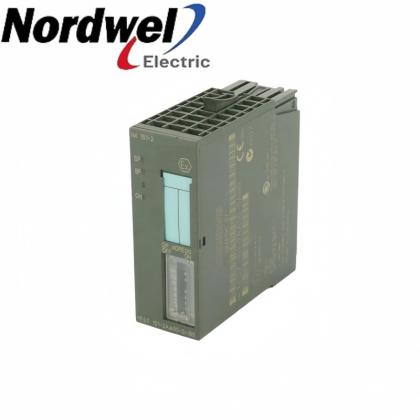
SiemensSiemens 6ES7143-5BF00-0BA0Siemens 6ES7144-5KD00-0BA0Siemens 6ES7144-4PF00-0AB0

Separate product references; inclusion here does not establish compatibility or interchangeability.

SiemensSiemens 6ES7144-4JF00-0AB0Siemens 6ES7144-4FF01-0AB0Siemens 6ES7144-1JB31-0XB0

Separate product references; inclusion here does not establish compatibility or interchangeability.

SiemensSiemens 6ES7144-1GB31-0XB0Siemens 6GK5308-2FM10-2AA3Siemens 6ES7143-5AH00-0BA0

Separate product references; inclusion here does not establish compatibility or interchangeability.

SiemensSiemens 6ES7143-4BF50-0AA0Siemens 6ES7142-6BH00-0AB0Siemens 6GK1143-0TA02

Separate product references; inclusion here does not establish compatibility or interchangeability.

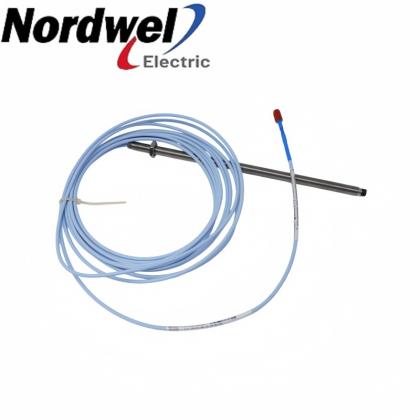
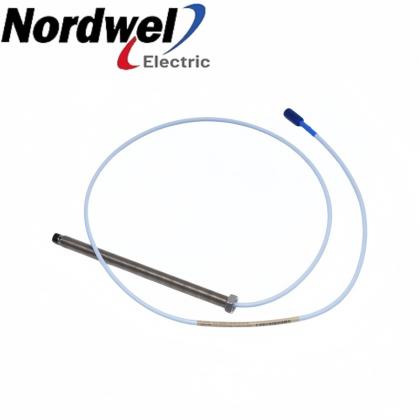
Bently NevadaBently Nevada 330854-080-25-05Bently Nevada 330854-080-24-05Bently Nevada 330130-070-01-00

Separate product references; inclusion here does not establish compatibility or interchangeability.

Bently NevadaBently Nevada 330130-075-01-00Bently Nevada 330104-00-08-15-02-00Bently Nevada 330102-00-12-10-01-05

Separate product references; inclusion here does not establish compatibility or interchangeability.

Bently NevadaBently Nevada 330103-02-04-10-02-CNBently Nevada 330103-02-08-10-02-CNBently Nevada 330905-00-25-05-02-CN

Separate product references; inclusion here does not establish compatibility or interchangeability.

Bently NevadaBently Nevada 330903-00-07-10-01-CNBently Nevada 330903-00-07-10-01-00Bently Nevada 330876-03-10-00-00

Separate product references; inclusion here does not establish compatibility or interchangeability.

Every model above links to an existing Nordwel product page. Send the full part number for configuration and availability confirmation. CHECK WITH SALES

IC754VSI06STD-KH Order Guide

Selection and replacement checks for the complete IC754VSI06STD-KH ordering identity.
1Record the complete identityProvide IC754VSI06STD-KH together with a readable label and the installed hardware revision.
2Identify the current projectPreserve the machine HMI files and record the operating-system and platform information.
3Check the panel assemblyInspect the existing opening, gasket condition, bracket positions and rear cable access.
4Confirm the DC circuitCheck supply voltage, polarity, frame ground and the removable power connector before installation.
5Match communication connectionsRecord Ethernet addressing and the COM1 mode, pinout and communication settings used by the machine.
6Plan controlled commissioningVerify screen operation, touch calibration, project startup and device communications before release.

Middle East Demand & Specialist Models

Selected specialist-brand products requested for regional projects and available on Nordwel.

Check the complete ordering identity, fitted interfaces and application requirements before selection.
General ElectricDS200SVIAG1A

Match the complete model, revision and required installed function before ordering.

Specialist model
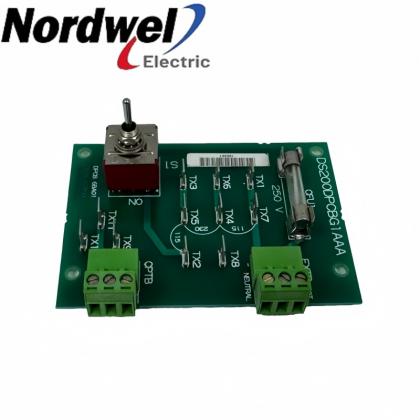
General ElectricDS200SPCBG1A

Match the complete model, revision and required installed function before ordering.

Specialist model
General ElectricDS200SLCCG2A

Match the complete model, revision and required installed function before ordering.

Specialist model
Siemens6GK1143-0AA01

Match the complete model, revision and required installed function before ordering.

Specialist model
Siemens6ES5951-7LB21

Match the complete model, revision and required installed function before ordering.

Specialist model
Siemens6ES5948-3UA23

Match the complete model, revision and required installed function before ordering.

Specialist model
Nordwel customer support

Company Services & FAQ

Practical support for IC754VSI06STD-KH selection, quotation and replacement planning.

Company services

Component and installation checkReview the complete model, actual interfaces and installed configuration before quotation.
Fast quotation supportConfirm pricing, availability and lead time against current Nordwel business records.
Worldwide shipping coordinationConfirm destination, freight option, packing requirements and shipment tracking workflow.
Order follow-upProvide pre-order clarification and shipment-status support through the assigned sales contact.

IC754VSI06STD-KH FAQ

What display technology does IC754VSI06STD-KH use?The QuickPanel View color display uses passive STN technology with a 320 x 240 pixel image and 65,536 colors. It is a touchscreen operator interface; the displayed machine controls depend on the installed HMI application.
Which DC supply checks are needed before connecting the panel?Check the 10.8-30 VDC input range, polarity and frame-ground connection. Keep the supply disconnected while attaching conductors to the removable plug, then secure the plug's retaining screws.
Can COM1 be wired as an ordinary RS-232-only connector?No. The female 25-pin COM1 connector carries EIA232C and EIA485 signals. Choose the electrical mode used by the application and match the cable to that mode's pin assignments; a connector that physically fits is not sufficient evidence of correct wiring.
How should the panel's Ethernet address be assigned?The Ethernet interface supports DHCP or a manually specified address. DHCP needs a server on the connected network; a manual setup needs the approved address, subnet mask and gateway. Use the method required by the machine network rather than assuming a fixed factory IP address.
Why can Windows CE settings disappear after power is removed?Control-panel and desktop changes must be committed with the Backup utility. Run Backup after making the configuration changes and allow it to finish before disconnecting power; merely closing a settings window does not complete that retention step.
How is inaccurate touch positioning corrected?Open Stylus in the Control Panel, choose Calibration and follow the Recalibrate targets. Accept the calibration result and save the settings. Use a blunt stylus rather than a sharp object that could damage the touch surface.
Are FLASH, SRAM and DRAM retained in the same way?No. FLASH is nonvolatile, SRAM depends on its backup battery for power-cycle retention, and DRAM is volatile. Place persistent application information in the intended storage area and check the battery status instead of assuming that every file in working memory survives a shutdown.
What secures the operator interface in its panel opening?Four mounting brackets hold the unit by tension. The gasket must sit correctly in the bezel channel, and bracket screws are tightened to 0.3-0.5 N m. Inspect the existing opening and sealing surfaces before reusing a panel installation.
What can an amber power-status indicator mean on the color unit?An amber power-status indicator identifies a backlight failure condition; the power indicator is the lower indicator on the color model. Also check the DC connections when investigating a blank screen. The backlight is not designated as field replaceable in the hardware guide.
Can a CompactFlash project copy be used on any replacement panel?No. The project-copy utility transfers Machine Edition projects between compatible QuickPanel View units. Compare the replacement's complete identity, hardware/platform information and project requirements first; possession of a CF card alone does not establish compatibility.
Sales managerTiffany Guan
WhatsApp+86 18030235313
ICS TRIPLEX / TRUSTED

Trusted T8000 Series Model Directory

Software, licensing, controller, interface, shield and power-supply references.

Software & Licensing

T8013SOE & Process Historian Software Package
T8017Peer to Peer Communications Software Package
T8019Process Control Algorithm Software Package
T8030SOPC Server Package
T8082DIEC1131 Toolset Suite; Licensed to Hard Drive
T8082UIEC1131 Toolset Suite; USB Port Dongle
T8090MLicense for SIS Workstation 1.0 MED

Controller, Interface & Power Modules

T8100CController Chassis Module
T8111CProcessor Module
T8120CProcessor Interface Adaptor Module
T8121CProcessor Interface Adaptor Module (IRIG-B)
T8122CProcessor Interface Adaptor Module (MODBUS Master)
T8123CProcessor Interface Adaptor Module (IRIG-B and MODBUS Master)
T8151CCommunication Interface Module

Communication Adaptors, Shield & Power Modules

T8153CCommunication Interface Adaptor Module
T8191Shield Module
T8193Shield Module
T8231Power Supply Module
Exact-match links open existing Nordwel product pages. Reference-only models remain unlinked until a matching product page is published.
ICS TRIPLEX / I/O CABLES

Companion-Slot to FTA Cable Selection

Internal cable references for 40-channel input and output connections to field termination assemblies.

INPUT · 40 CHANNEL
TC-201-02-2M5

I/O Companion Slot to FTA · 2.5 m

INPUT · 40 CHANNEL
TC-201-02-4M5

I/O Companion Slot to FTA · 4.5 m

INPUT · 40 CHANNEL
TC-201-02-6M5

I/O Companion Slot to FTA · 6.5 m

INPUT · 40 CHANNEL
TC-201-02-8M5

I/O Companion Slot to FTA · 8.5 m

INPUT · 40 CHANNEL
TC-201-02-10M5

I/O Companion Slot to FTA · 10.5 m

INPUT · 40 CHANNEL
TC-201-02-12M5

I/O Companion Slot to FTA · 12.5 m

OUTPUT · 40 CHANNEL
TC-205-02-4M5

I/O Companion Slot to FTA · 4.5 m

OUTPUT · 40 CHANNEL
TC-205-02-6M5

I/O Companion Slot to FTA · 6.5 m

OUTPUT · 40 CHANNEL
TC-205-02-8M5

I/O Companion Slot to FTA · 8.5 m

Exact-match links open existing Nordwel product pages. Confirm channel direction, cable length and FTA compatibility before quotation.
General Electric QuickPanel View support

Applications & Why Choose Nordwel

Engineering uses of IC754VSI06STD-KH within the correctly matched field installation.

Application areas

01Machine HMI operationPresent the installed application's machine controls and status displays through the color touchscreen.
02Ethernet-connected visualizationUse the configured Ethernet connection to exchange application data on the approved machine network.
03Serial-connected equipment interfaceConnect equipment through the correctly configured EIA232C or EIA485 COM1 interface.
04Legacy interface restorationRestore a compatible machine HMI project while verifying platform identity, stored settings and field connections.

Why choose Nordwel

Configuration-aware supportReview the component identity, fitted interfaces and application requirements before quotation.
Fast quotationConfirm pricing, availability and lead time against current Nordwel business records.
Worldwide coordinationSupport destination, freight, packing and shipment-tracking requirements.
Dedicated sales contactWork directly with an assigned contact for pre-order clarification and order follow-up.
Final selection depends on the complete model, installed hardware revision, field interfaces and validated application.
Need help matching IC754VSI06STD-KH to your installation?CONTACT SALES
Need a hard-to-find industrial spare?Send the complete model, manufacturer, quantity and equipment nameplate. Nordwel will cross-check the exact brand, revision, electrical interface and mechanical configuration before quotation.
CROSS-BRAND MODEL SUPPORT

Industrial Spare Parts Reference

Selected legacy and specialist models for motion, sensing, pneumatic and control-system applications.

Motion & DrivesBLS3-4 BLS3Legacy servo/control unit; confirm the full BLS3 designation.
Pneumatic & Process2000018 KA12A10A0 11180747BEKO/BEKOMAT condensate-drain component reference.
Sensors & MeasurementMS2712RZero-speed monitoring device; verify supply and revision.
Motion & DrivesAE100M 200-00182Rotary encoder reference; confirm interface and mounting.
Sensors & MeasurementSFET-F500-L-W18-B-K1Configured industrial sensor assembly; verify the full option string.
Pneumatic & ProcessTZ2LE024PGVAB 074308Configured valve component; confirm coil voltage and port options.
PLC, Power & Communication6ES59417UA12Siemens S5 module reference; confirm the installed rack function.
Motion & DrivesMDX60A0110503400 8226857SEW-EURODRIVE MOVIDRIVE inverter reference.
Sensors & MeasurementPTP35A2A13P1PH4AConfigured process-instrument reference; verify range and output.
PLC, Power & CommunicationHITACHI 33016136-5Hitachi industrial control spare; confirm the host equipment family.
Pneumatic & ProcessNUMATICS 34203626Numatics pneumatic component; verify valve and coil configuration.
Sensors & MeasurementHBM WA/20mm 050310129 090610052HBM displacement transducer with 20 mm measurement reference.
Pneumatic & ProcessFESTO 184518 DPA-63-10Festo twin-piston pneumatic pressure booster.
PLC, Power & CommunicationH920Legacy industrial control spare; nameplate confirmation required.
Sensors & MeasurementPN3093ifm electronic pressure sensor with digital display.
PLC, Power & CommunicationK2001000100MConfigured cable or assembly reference; confirm the equipment family.
PLC, Power & CommunicationPCD3W800Saia PCD3 analog I/O module reference.
Motion & Drives49/F2-10 P 80 B14 B3Configured motor and gearbox assembly reference.
Sensors & MeasurementUB40012GME5V1Pepperl+Fuchs UB400 ultrasonic sensor.
PLC, Power & CommunicationDFR713PLegacy electronic control spare; confirm manufacturer and revision.
Sensors & MeasurementPT/EL-DR-5BAR-S1-HA-TH-SS5 bar pressure-instrument reference; verify materials and output.
Sensors & MeasurementUDS3/200MB/4/20/G1/4E/FConfigured pressure sensor/transmitter reference.
Motion & DrivesVRDM397/50LWBBerger Lahr stepper motor reference.
Pneumatic & ProcessMPPES31410420Festo proportional pressure regulator reference.
PLC, Power & Communication6GK57980SN000EA0Siemens industrial communication accessory; verify installed function.
Sensors & MeasurementWTT280L-2P2531SICK PowerProx time-of-flight photoelectric sensor.
Pneumatic & ProcessMSQB20H2SMC compact rotary table/actuator reference.
Pneumatic & ProcessMSQB30H3SMC compact rotary table/actuator reference.
PLC, Power & CommunicationMCRSLUI0Phoenix Contact analog signal conditioner reference.
Motion & Drives6FX11422BA02Siemens drive/CNC electronic module reference.
No exact Nordwel product pages were found for this reference list. Final supply must be confirmed from the manufacturer nameplate, complete ordering code and installed-system context.
Leave A Message
If you are interested in our products and want to know more details,please leave a message here,we will reply you as soon as we can.
Submit
New Products

Leave A Message

Leave A Message
If you are interested in our products and want to know more details,please leave a message here,we will reply you as soon as we can.

Home

Products

contact

whatsapp