other
Products
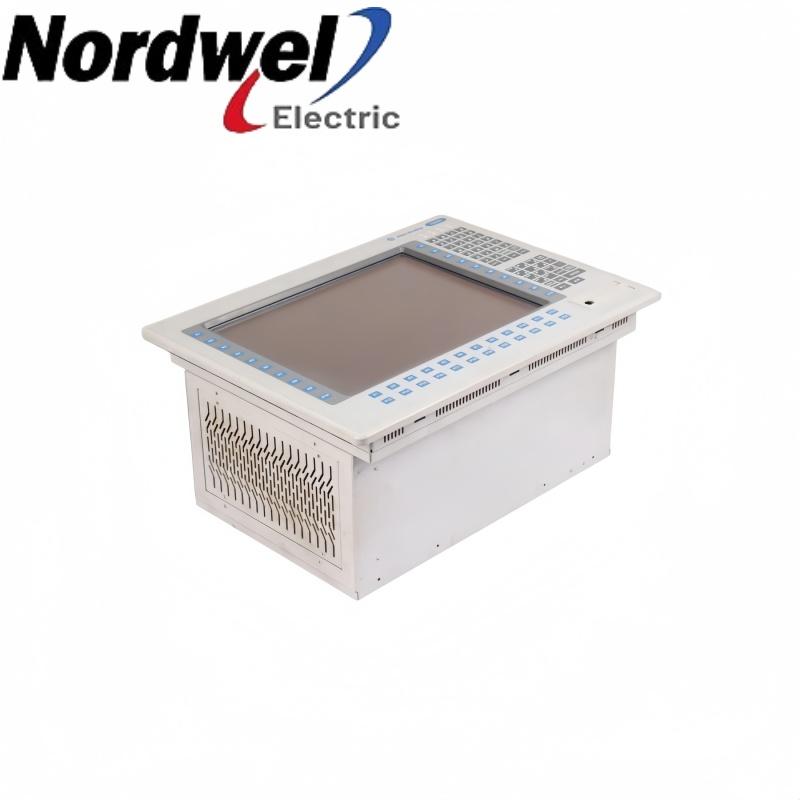
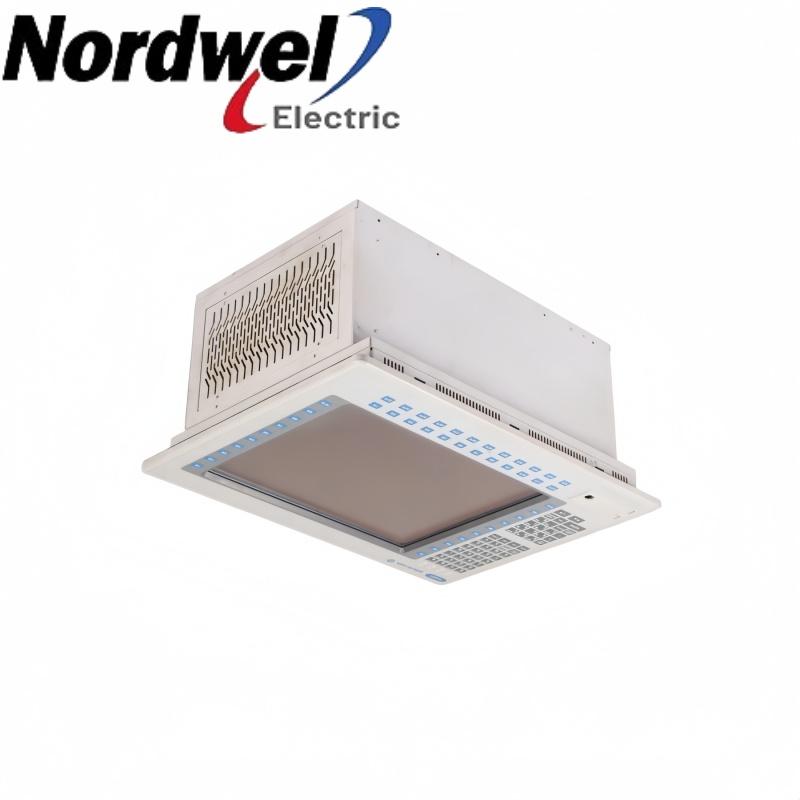
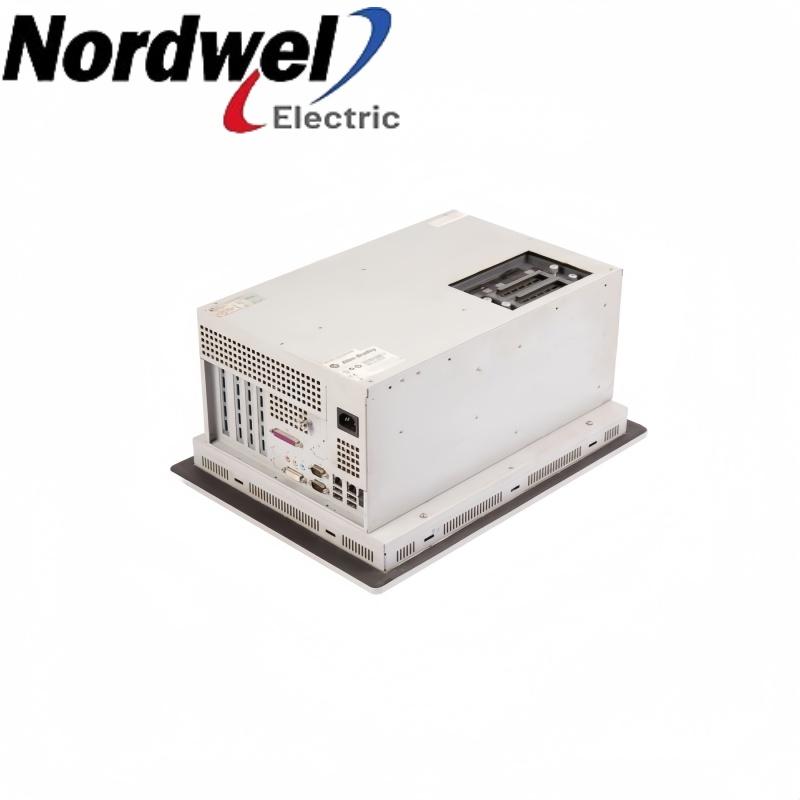
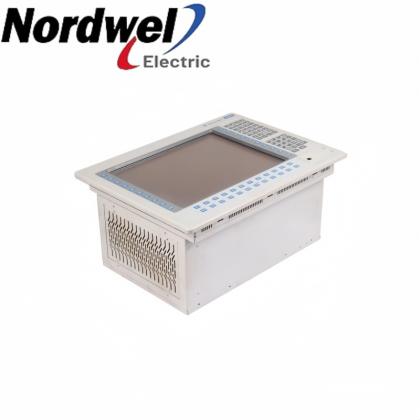
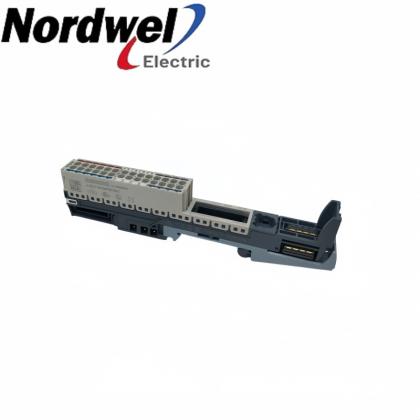
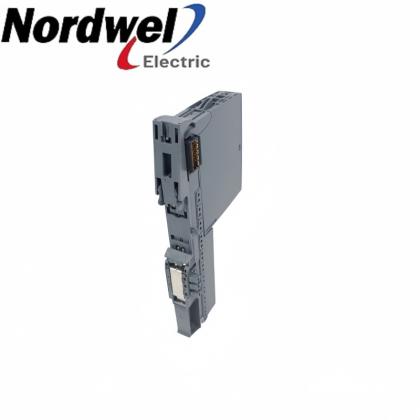
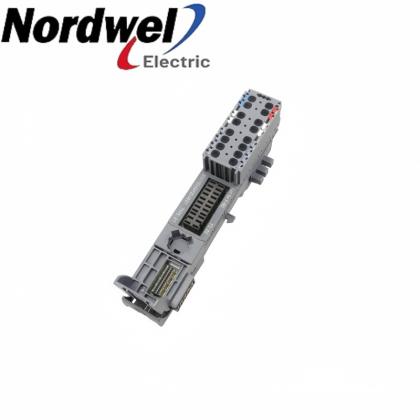
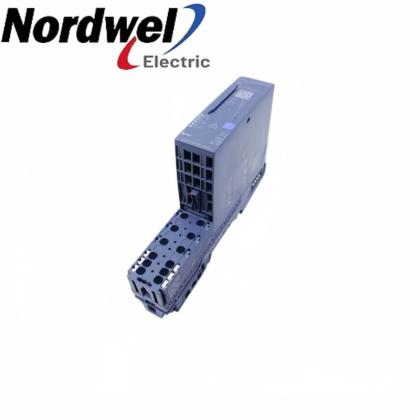
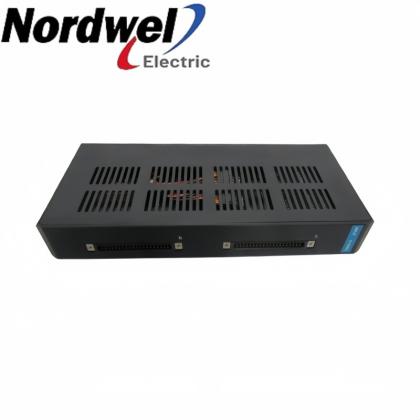
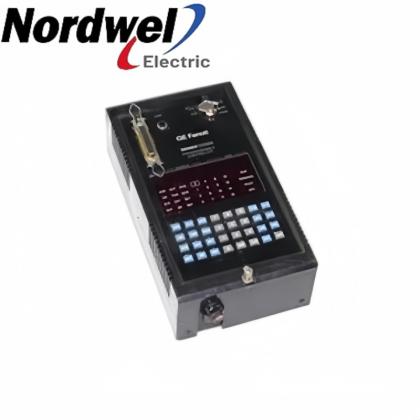
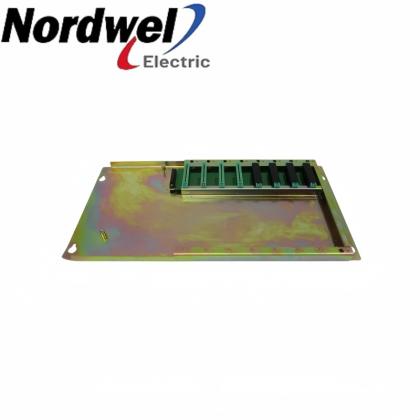
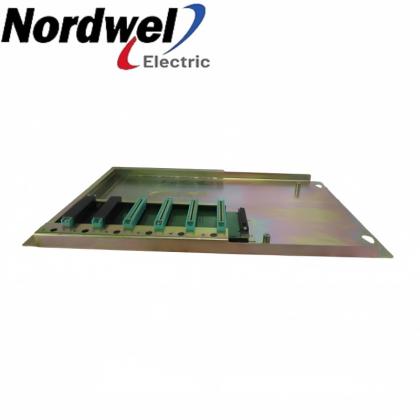
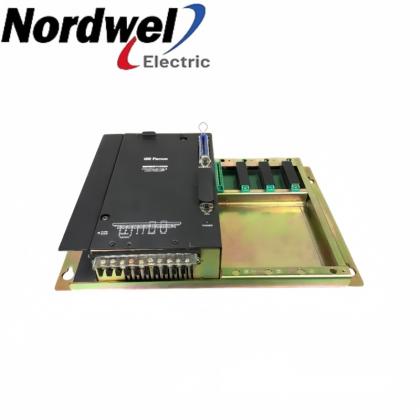
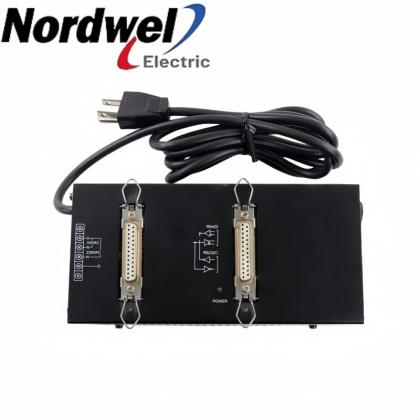
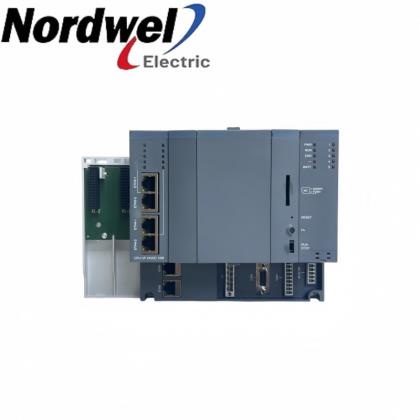
6180P-15BPXPDC DC industrial computer with 15-inch display, keypad and touchscreen product view

6180P-15BPXPDC 15-inch DC industrial computer with keypad and touchscreen

EMAIL SALES
Integrated display computer
6180P-15BPXPDC — 15-inch DC industrial computer with keypad and touchscreen

Combines a 15-inch display, keypad and touchscreen in a panel-mounted industrial computer. The DC version requires a correctly sized supply and an adequately ventilated enclosure.

DC powerIntegrated display computerPanel-mounted computer
Sales managerTiffany Guan
Mobile / WhatsApp+86 18030235313
6180P-15BPXPDC product profile
Product familyIntegrated display computer
Exact model6180P-15BPXPDC
Display diagonal381 mm / 15 in.
Operator inputKeypad and touchscreen
Native resolution1024 × 768
DC input range18–32 VDC
  • Brand:

    PLC
  • Item NO.:

    6180P-15BPXPDC
6180P-15BPXPDC configuration inquiry

Get a precise quote for 6180P-15BPXPDC

Email Sales
Sales managerTiffany Guan
WhatsApp+86 18030235313

6180P-15BPXPDC functions and installation

Plan the panel opening, maintenance access and field connections before replacing the installed computer. Check the actual operating-system image, application requirements and fitted hardware as part of the acceptance review.

Panel integrationMatch the cutout, gasket seating and mounting-clip arrangement.
Power engineeringSize the DC source for normal demand and startup inrush.
Peripheral accessReserve space for network cabling, USB devices and drive servicing.
Application acceptanceCheck the actual software image, drivers and installed hardware before returning to service.

Installation and selection boundaries

  • Use the complete catalog number to distinguish the DC configuration from AC-powered alternatives.
  • Keep the enclosure closed and air passages unobstructed during operation.
  • Shut down the operating system before disconnecting input power.
Official product data

6180P-15BPXPDC key specifications

DC power consumption 144 W; 8 A at 18 VDC and 4.5 A at 32 VDC
Startup inrush at 24 VDC 20 A peak for 5 ms
Panel cutout, approximate H × W 326.4 × 429.3 mm
Overall dimensions, approximate H × W × D 355 × 483 × 225 mm
Operating ambient temperature 0–55 °C, with adequate enclosure ventilation
Mounting hardware 10 mounting clips; tightening torque 1.4 N·m
Network connections Two Gigabit Ethernet LAN ports, RJ-45
Touchscreen construction Resistive antiglare

Integrated Display Industrial Computers with Keypad: installation instructions 6180P-IN001C-EN-P and user manual 6180P-UM001C-EN-P.

Pre-order check 01

Installation environment

Prepare the panel and cooling space before connecting the DC supply or field peripherals.

  • Isolate panel power before cutting the opening; keep metal debris away from installed equipment.
  • Seat the compression gasket correctly and tighten all mounting clips in the specified sequence; do not add sealing compounds.
  • Allow at least 50 mm above and to the left, 76.2 mm to the right and 102 mm below; reserve additional rear drive-service space.
  • Use the specified isolated Class 2/SELV DC supply and follow the terminal and grounding arrangement for the installed configuration.
Retain the approved installation drawing and record the controlled acceptance checks.
Pre-order check 02

Compatibility confirmation

Match the complete item, actual connections and required installed function.

Mechanical fit
Compare the panel opening and mounting thickness with the existing enclosure; supplied hardware accommodates panels up to 6 mm thick.
Power source
Confirm DC voltage, continuous demand, startup capacity, conductor sizing and terminal polarity.
Cooling access
Check enclosure temperature and the extra clearance required to remove internal drives.
Network and peripherals
Match actual connector types, cable routes and required device drivers; front USB operation also depends on BIOS settings.
Software and data
Verify the installed operating-system image and application requirements; back up data before internal hardware work.
Release the replacement only after the panel fit, DC installation, peripherals and application startup have passed controlled checks.
Recommended model families

More industrial product models

HoneywellHoneywell CC-ZHR041Honeywell MEL-BSSRTHoneywell MEL-BSSRT-CC

Separate product references; inclusion does not establish compatibility or interchangeability.

HoneywellHoneywell MLF-AH04AHoneywell MLF-DC04CHoneywell MLF-DV04A

Separate product references; inclusion does not establish compatibility or interchangeability.

HoneywellHoneywell MLF-DV04CHoneywell MLF-HD02AHoneywell MLF-PD02A

Separate product references; inclusion does not establish compatibility or interchangeability.

HoneywellHoneywell MLF-RD04AHoneywell MLF-TC04SHoneywell MLI-DN10E

Separate product references; inclusion does not establish compatibility or interchangeability.

Additional published brands

Additional Advantage Models

Bently NevadaBently Nevada 330854-080-25-05Bently Nevada 330854-080-24-05Bently Nevada 330130-070-01-00

Separate product references; inclusion does not establish compatibility or interchangeability.

Bently NevadaBently Nevada 330130-075-01-00Bently Nevada 330104-00-08-15-02-00Bently Nevada 330102-00-12-10-01-05

Separate product references; inclusion does not establish compatibility or interchangeability.

Bently NevadaBently Nevada 330103-02-04-10-02-CNBently Nevada 330103-02-08-10-02-CNBently Nevada 330905-00-25-05-02-CN

Separate product references; inclusion does not establish compatibility or interchangeability.

Bently NevadaBently Nevada 330903-00-07-10-01-CNBently Nevada 330903-00-07-10-01-00Bently Nevada 330876-03-10-00-00

Separate product references; inclusion does not establish compatibility or interchangeability.

Bently NevadaBently Nevada 330906-02-12-10-02-05Bently Nevada 330902-00-95-05-02-05Bently Nevada 330876-01-50-01-05

Separate product references; inclusion does not establish compatibility or interchangeability.

Bently NevadaBently Nevada 330851-01-000-020-10-00-00Bently Nevada 330879-03-00Bently Nevada 330851-02-000-040-10-00-05

Separate product references; inclusion does not establish compatibility or interchangeability.

Bently NevadaBently Nevada 330180-X1-05 MOD 145004-75Bently Nevada 330851-02-000-080-90-01-05Bently Nevada 24701-28-05-XX-014-04-XX MOD 323933-40-02

Separate product references; inclusion does not establish compatibility or interchangeability.

Bently NevadaBently Nevada 24701-28-05-XX-025-04-XX MOD 323933-30-02Bently Nevada 129716-XXX-040-15 MOD 166797-0133Bently Nevada 200151-40-03-02

Separate product references; inclusion does not establish compatibility or interchangeability.

Every model above links to an existing Nordwel product page. Send the full part number for configuration and availability confirmation. CHECK WITH SALES

6180P-15BPXPDC Order Guide

Check the complete requested item against the actual installation before ordering.
1Record the identityKeep the complete requested catalog number and actual installed nameplate together.
2Check the panelCompare the opening, support thickness and gasket condition before removal.
3Review the DC sourceCheck its output range and capacity for both running demand and startup.
4Inventory connectionsRecord network and peripheral cables, interfaces and required access space.
5Preserve softwareBack up application data and record the current image, drivers and configuration.
6Define acceptanceAgree boot, display, keypad, touch, network and application tests before handover.

Middle East Demand & Specialist Models

Selected specialist-brand products requested for regional projects and available on Nordwel.

Compare the complete identity, installed hardware and application requirements before selection.
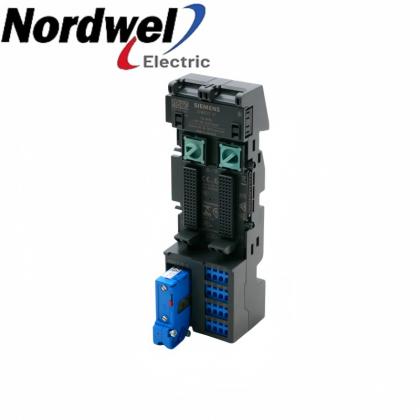
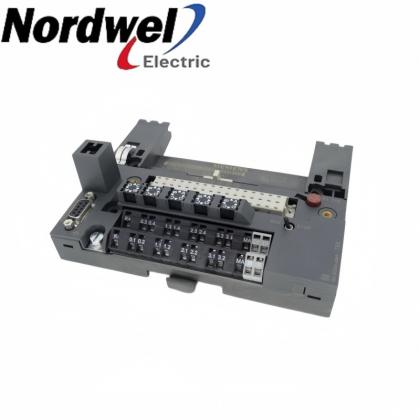
Siemens6ES7143-5BF00-0BA0

A separate product reference; verify its own installation and configuration.

Specialist model
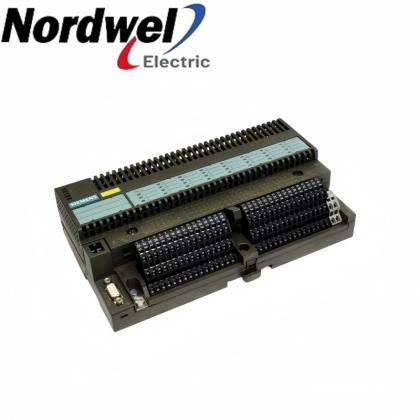
Siemens6ES7144-5KD00-0BA0

A separate product reference; verify its own installation and configuration.

Specialist model
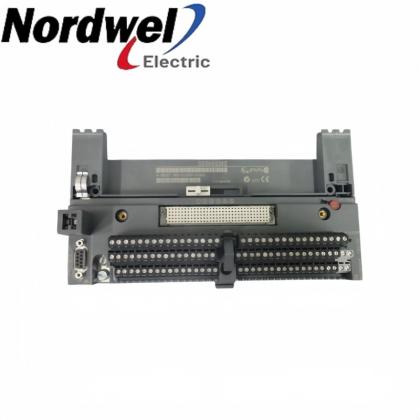
Siemens6ES7144-4PF00-0AB0

A separate product reference; verify its own installation and configuration.

Specialist model
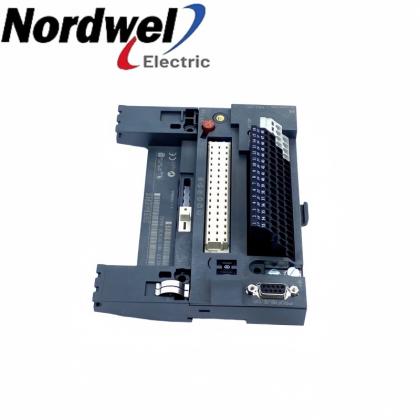
Siemens6ES7144-4JF00-0AB0

A separate product reference; verify its own installation and configuration.

Specialist model
Siemens6ES7144-4FF01-0AB0

A separate product reference; verify its own installation and configuration.

Specialist model
Siemens6ES7144-1JB31-0XB0

A separate product reference; verify its own installation and configuration.

Specialist model
Nordwel customer support

Company Services & FAQ

Support for 6180P-15BPXPDC selection, quotation and controlled replacement planning.

Company services

Item and application reviewCompare the complete item with the installed configuration and required supplied scope.
Fast quotation supportConfirm pricing, availability and lead time against current Nordwel business records.
Worldwide shipping coordinationConfirm destination, freight option, packing requirements and shipment tracking workflow.
Order follow-upProvide pre-order clarification and shipment-status support through the assigned sales contact.

6180P-15BPXPDC FAQ

Does this DC model provide both keypad and touch operation?Yes. This catalog configuration combines the integrated keypad with a resistive antiglare touchscreen. It is a display computer, so application behavior still depends on the installed software and drivers.
Can the computer be connected directly to an AC supply?No. This is the DC-powered configuration, with an 18–32 VDC input range and a nominal 24 VDC connection. The AC-input figures for other configurations must not be used for this unit.
What startup load should be allowed for when selecting the DC source?The specified inrush is 20 A peak for 5 ms at 24 VDC. Check the source’s transient capability and wiring voltage drop in addition to the 144 W running consumption specification.
What opening is required when replacing an existing panel computer?The approximate cutout is 326.4 mm high by 429.3 mm wide. Compare the actual panel, supporting thickness and available rear clearance before machining; outer dimensions are not cutout dimensions.
How should the panel gasket and mounting clips be installed?Position the compression gasket correctly, use all ten mounting clips and tighten them in the specified sequence to 1.4 N·m. Do not add sealing compounds or overtighten the clips.
Is a matching panel opening sufficient to confirm that the enclosure is suitable?No. Cooling and maintenance access must also fit. Minimum clearances include 50 mm above and left, 76.2 mm right and 102 mm below; rear drive access requires more room than the basic airflow clearance.
Which Ethernet connection is provided for the installation?Two Gigabit LAN ports use RJ-45 connectors. Route network cables away from high-frequency interference; the installation instructions require indoor LAN runs shorter than 30 m for the stated EN 55024 compliance condition.
Why might a USB device connected at the front not be detected?The front USB ports can be enabled or disabled in BIOS. Check that setting, the cable and device operation, and the operating-system driver before concluding that the connector is faulty.
May input power be removed as the normal way to stop the computer?Shut down the operating system first. Removing power without a controlled shutdown can degrade operation or damage the software state; plan the station’s shutdown and disconnect sequence accordingly.
What should be recorded before replacing the RTC battery?Back up the computer data and record nondefault BIOS settings before isolating the equipment for internal work. Battery replacement returns BIOS settings to defaults, so restore and test the required configuration afterward.
Sales managerTiffany Guan
WhatsApp+86 18030235313
ICS TRIPLEX / TRUSTED

Trusted T8000 Series Model Directory

Software, licensing, controller, interface, shield and power-supply references.

Software & Licensing

T8013SOE & Process Historian Software Package
T8017Peer to Peer Communications Software Package
T8019Process Control Algorithm Software Package
T8030SOPC Server Package
T8082DIEC1131 Toolset Suite; Licensed to Hard Drive
T8082UIEC1131 Toolset Suite; USB Port Dongle
T8090MLicense for SIS Workstation 1.0 MED

Controller, Interface & Power Modules

T8100CController Chassis Module
T8111CProcessor Module
T8120CProcessor Interface Adaptor Module
T8121CProcessor Interface Adaptor Module (IRIG-B)
T8122CProcessor Interface Adaptor Module (MODBUS Master)
T8123CProcessor Interface Adaptor Module (IRIG-B and MODBUS Master)
T8151CCommunication Interface Module

Communication Adaptors, Shield & Power Modules

T8153CCommunication Interface Adaptor Module
T8191Shield Module
T8193Shield Module
T8231Power Supply Module
Exact-match links open existing Nordwel product pages. Reference-only models remain unlinked until a matching product page is published.
ICS TRIPLEX / I/O CABLES

Companion-Slot to FTA Cable Selection

Internal cable references for 40-channel input and output connections to field termination assemblies.

INPUT · 40 CHANNEL
TC-201-02-2M5

I/O Companion Slot to FTA · 2.5 m

INPUT · 40 CHANNEL
TC-201-02-4M5

I/O Companion Slot to FTA · 4.5 m

INPUT · 40 CHANNEL
TC-201-02-6M5

I/O Companion Slot to FTA · 6.5 m

INPUT · 40 CHANNEL
TC-201-02-8M5

I/O Companion Slot to FTA · 8.5 m

INPUT · 40 CHANNEL
TC-201-02-10M5

I/O Companion Slot to FTA · 10.5 m

INPUT · 40 CHANNEL
TC-201-02-12M5

I/O Companion Slot to FTA · 12.5 m

OUTPUT · 40 CHANNEL
TC-205-02-4M5

I/O Companion Slot to FTA · 4.5 m

OUTPUT · 40 CHANNEL
TC-205-02-6M5

I/O Companion Slot to FTA · 6.5 m

OUTPUT · 40 CHANNEL
TC-205-02-8M5

I/O Companion Slot to FTA · 8.5 m

Exact-match links open existing Nordwel product pages. Confirm channel direction, cable length and FTA compatibility before quotation.
Integrated display computer

Applications & Why Choose Nordwel

Application and maintenance planning for 6180P-15BPXPDC in the correctly matched installation.

Application areas

01Panel operator stationProvide local keyboard and touch access to the installed industrial application.
02Machine replacement planningReview existing panel fit, DC wiring and service clearance before scheduling the change.
03Control-room computingCoordinate the display computer with the required indoor network and peripheral arrangement.
04Maintenance and recoveryPreserve project data and test the restored software image before reconnecting the station to the process.

Why choose Nordwel

Configuration-aware supportReview complete identity, installation conditions and the required application before quotation.
Fast quotationConfirm pricing, availability and lead time against current Nordwel business records.
Worldwide coordinationSupport destination, freight, packing and shipment-tracking requirements.
Dedicated sales contactWork directly with an assigned contact for pre-order clarification and order follow-up.
Release the replacement only after the panel fit, DC installation, peripherals and application startup have passed controlled checks.
Need help matching 6180P-15BPXPDC to your installation?CONTACT SALES
Need a hard-to-find industrial spare?Send the complete model, manufacturer, quantity and equipment nameplate. Nordwel will cross-check the exact brand, revision, electrical interface and mechanical configuration before quotation.
CROSS-BRAND MODEL SUPPORT

Industrial Spare Parts Reference

Selected legacy and specialist models for motion, sensing, pneumatic and control-system applications.

Motion & DrivesBLS3-4 BLS3Legacy servo/control unit; confirm the full BLS3 designation.
Pneumatic & Process2000018 KA12A10A0 11180747BEKO/BEKOMAT condensate-drain component reference.
Sensors & MeasurementMS2712RZero-speed monitoring device; verify supply and revision.
Motion & DrivesAE100M 200-00182Rotary encoder reference; confirm interface and mounting.
Sensors & MeasurementSFET-F500-L-W18-B-K1Configured industrial sensor assembly; verify the full option string.
Pneumatic & ProcessTZ2LE024PGVAB 074308Configured valve component; confirm coil voltage and port options.
Control, Power & Communication6ES59417UA12Siemens S5 module reference; confirm the installed rack function.
Motion & DrivesMDX60A0110503400 8226857SEW-EURODRIVE MOVIDRIVE inverter reference.
Sensors & MeasurementPTP35A2A13P1PH4AConfigured process-instrument reference; verify range and output.
Control, Power & CommunicationHITACHI 33016136-5Hitachi industrial control spare; confirm the host equipment family.
Pneumatic & ProcessNUMATICS 34203626Numatics pneumatic component; verify valve and coil configuration.
Sensors & MeasurementHBM WA/20mm 050310129 090610052HBM displacement transducer with 20 mm measurement reference.
Pneumatic & ProcessFESTO 184518 DPA-63-10Festo twin-piston pneumatic pressure booster.
Control, Power & CommunicationH920Legacy industrial control spare; nameplate confirmation required.
Sensors & MeasurementPN3093ifm electronic pressure sensor with digital display.
Control, Power & CommunicationK2001000100MConfigured cable or assembly reference; confirm the equipment family.
Control, Power & CommunicationPCD3W800Saia PCD3 analog I/O module reference.
Motion & Drives49/F2-10 P 80 B14 B3Configured motor and gearbox assembly reference.
Sensors & MeasurementUB40012GME5V1Pepperl+Fuchs UB400 ultrasonic sensor.
Control, Power & CommunicationDFR713PLegacy electronic control spare; confirm manufacturer and revision.
Sensors & MeasurementPT/EL-DR-5BAR-S1-HA-TH-SS5 bar pressure-instrument reference; verify materials and output.
Sensors & MeasurementUDS3/200MB/4/20/G1/4E/FConfigured pressure sensor/transmitter reference.
Motion & DrivesVRDM397/50LWBBerger Lahr stepper motor reference.
Pneumatic & ProcessMPPES31410420Festo proportional pressure regulator reference.
Control, Power & Communication6GK57980SN000EA0Siemens industrial communication accessory; verify installed function.
Sensors & MeasurementWTT280L-2P2531SICK PowerProx time-of-flight photoelectric sensor.
Pneumatic & ProcessMSQB20H2SMC compact rotary table/actuator reference.
Pneumatic & ProcessMSQB30H3SMC compact rotary table/actuator reference.
Control, Power & CommunicationMCRSLUI0Phoenix Contact analog signal conditioner reference.
Motion & Drives6FX11422BA02Siemens drive/CNC electronic module reference.
No exact Nordwel product pages were found for this reference list. Final supply must be confirmed from the manufacturer nameplate, complete ordering code and installed-system context.
Leave A Message
If you are interested in our products and want to know more details,please leave a message here,we will reply you as soon as we can.
Submit
New Products

Leave A Message

Leave A Message
If you are interested in our products and want to know more details,please leave a message here,we will reply you as soon as we can.

Home

Products

contact

whatsapp