other
Products
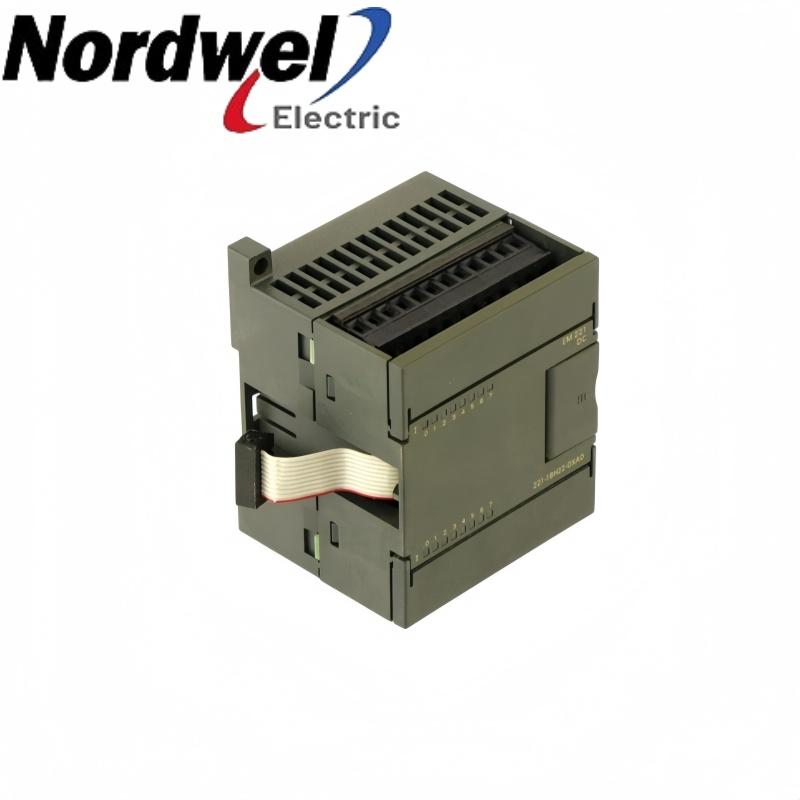
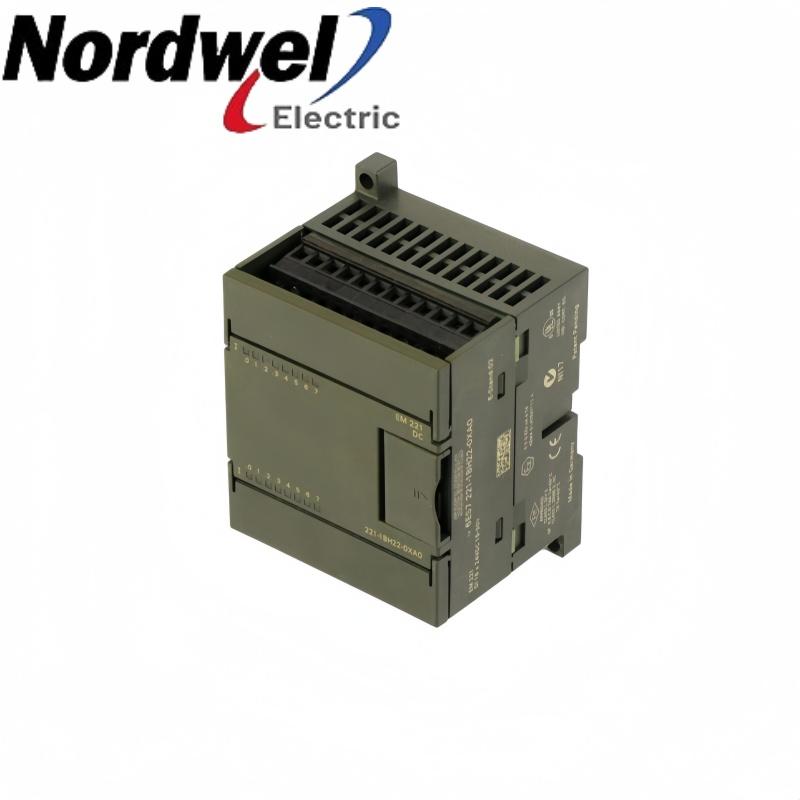
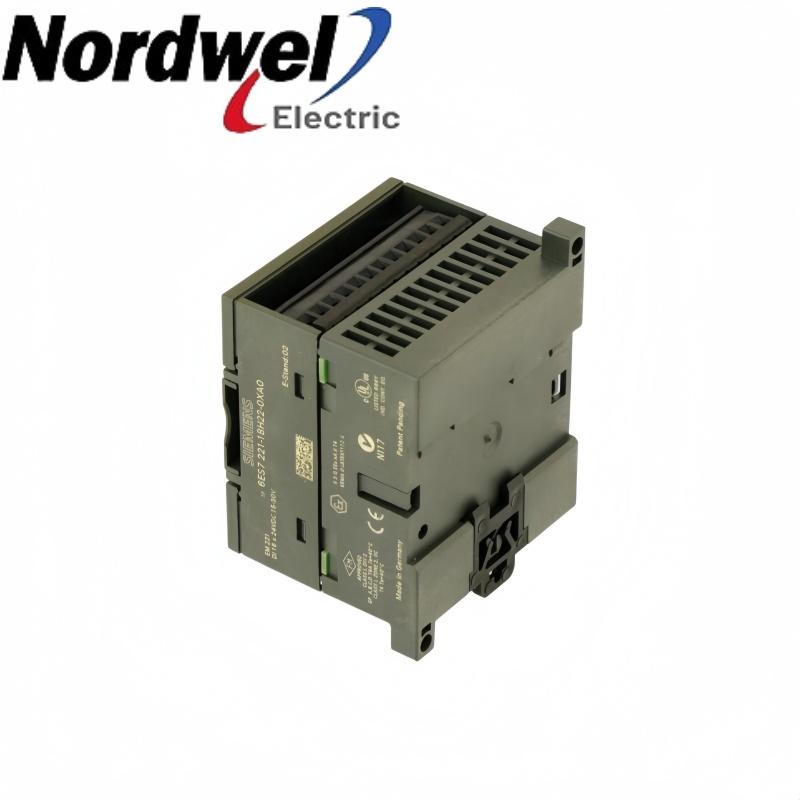
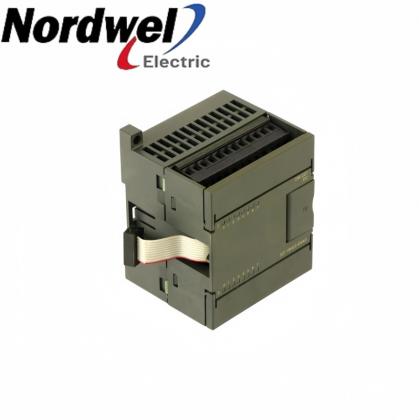
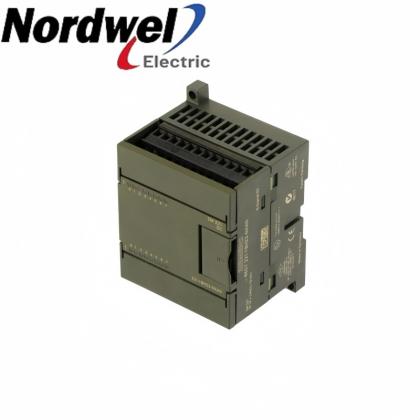
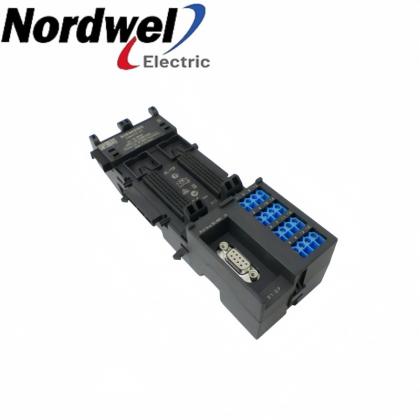
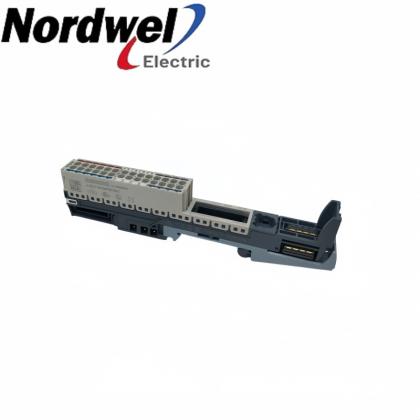
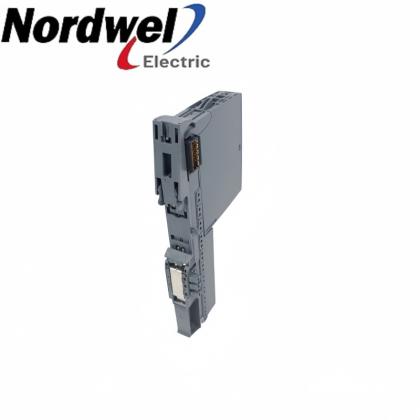
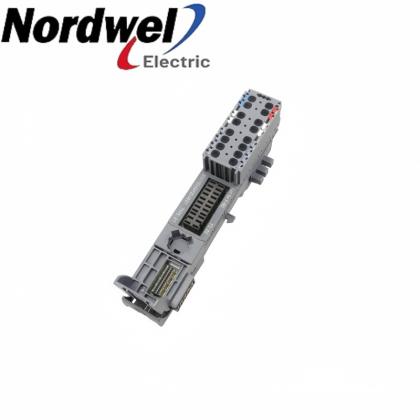
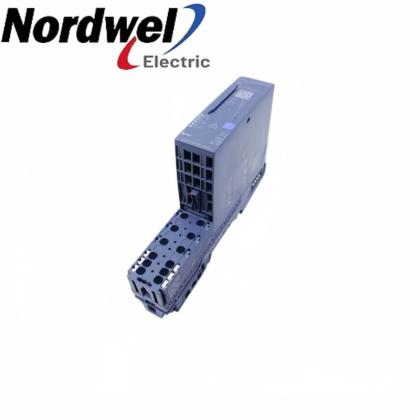
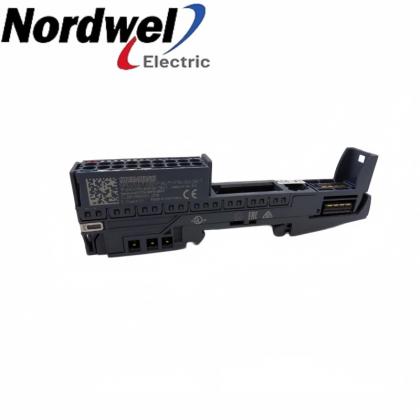
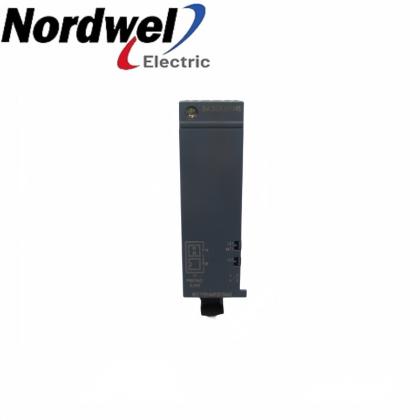
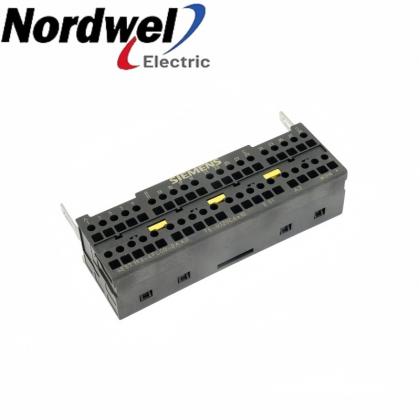
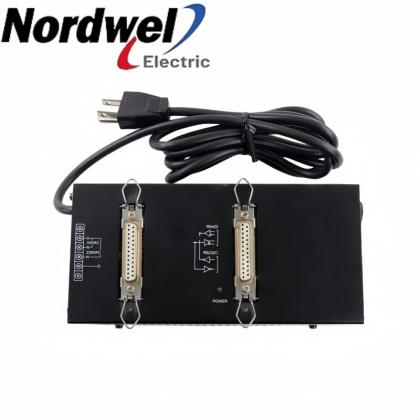
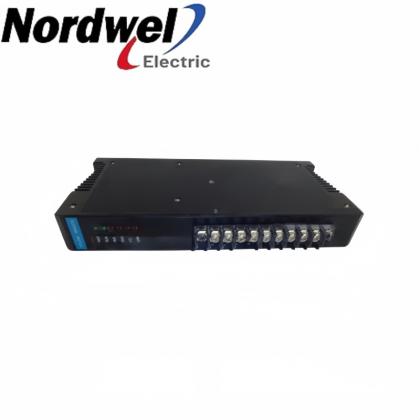
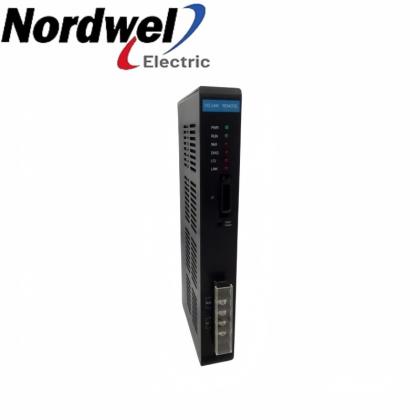
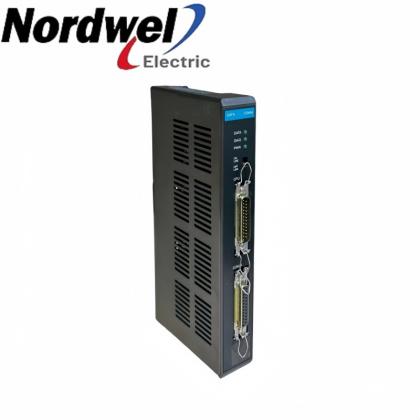
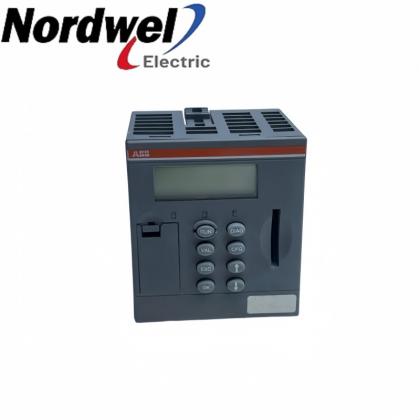
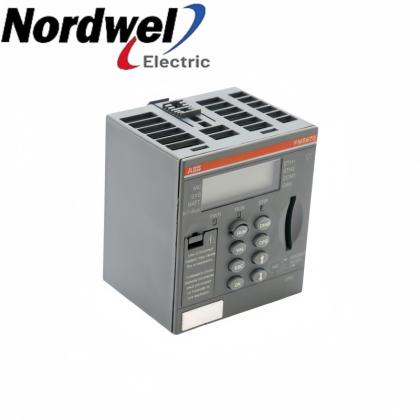
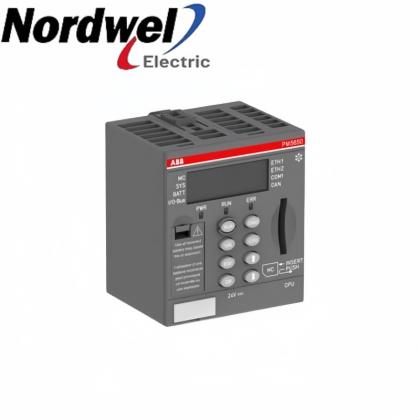
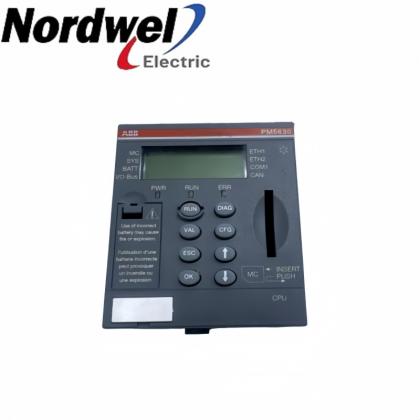
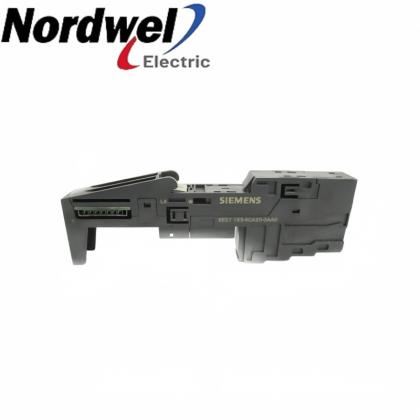
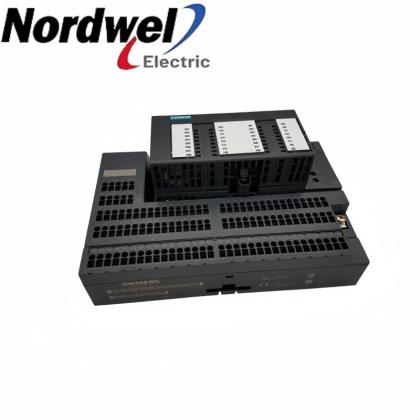
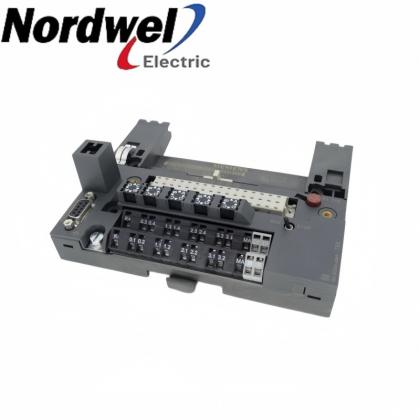
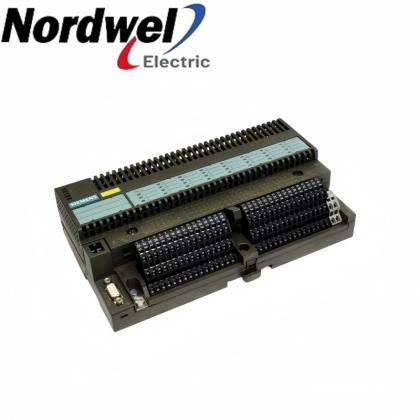
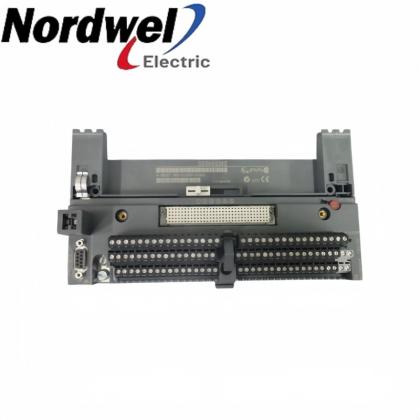
Siemens 6ES7272-1AA10-0YA0 custom-faceplate text operator display product photographs

Siemens 6ES7272-1AA10-0YA0 custom-faceplate text operator display

EMAIL SALES
Siemens S7-200 / TD 200C
6ES7272-1AA10-0YA0 — custom-faceplate text operator display

Combines a text operator interface with an application-specific faceplate and keypad layout. TD Keypad Designer and the TD 200 Wizard coordinate the graphics, buttons and screen behavior.

SiemensS7-200 / TD 200Ccustom-faceplate text operator display
Sales managerTiffany Guan
Mobile / WhatsApp+86 18030235313
6ES7272-1AA10-0YA0 product profile
Product familyS7-200 / TD 200C
Exact model6ES7272-1AA10-0YA0
Release versionTD 200C V1.0
Configuration softwareSTEP 7-Micro/WIN V4.0
Faceplate designTD Keypad Designer V1.0
Printed artworkLaser-printed faceplate
  • Brand:

    SIEMENS
  • Item NO.:

    6ES7272-1AA10-0YA0
6ES7272-1AA10-0YA0 configuration inquiry

Get a precise quote for 6ES7272-1AA10-0YA0

Email Sales
Sales managerTiffany Guan
WhatsApp+86 18030235313

6ES7272-1AA10-0YA0 functions and installation

The original TD 200C V1.0 release supports configurable menus, screens and controller-triggered alarms. Faceplate artwork and button assignments must be kept together so the printed design matches the operating functions.

Customized operator controlsPlaces application-defined buttons on a tailored faceplate.
Menu and alarm setupUses the TD 200 Wizard for menus, data screens and controller-triggered alarms.
Design-file coordinationKeeps button assignments and final graphics together in the keypad project.
Legacy configuration reuseAccepts earlier TD 200 Wizard configurations without adding the new TD 200C features.

Installation and selection boundaries

  • A printed button position must match its assigned operating function.
  • Save the keypad project together with the controller engineering project.
  • Confirm actual mounting parts, connection cable and faceplates supplied with the quoted item.
Official product data

6ES7272-1AA10-0YA0 key specifications

Product type TD 200C text display with customized faceplate
Release V1.0
Engineering software STEP 7-Micro/WIN V4.0
Keypad tool TD Keypad Designer V1.0
Design project TD2 file combines key assignments and final artwork
Image exchange BMP bitmap
Faceplate printing Laser printer required
Original packaged faceplates One pre-printed and one blank faceplate; confirm actual supplied scope

Source: Siemens TD 200C Text Display Product Information, June 2004, exact original ordering-code release.

Pre-order check 01

Installation environment

Prepare the installation with the process in a safe state and verify the following points.

  • Keep the existing offline engineering project and keypad-design file before replacement.
  • Check the panel mounting and actual connection arrangement with power isolated.
  • Test the printed design on ordinary paper without adhering it to the keypad.
  • Verify navigation keys, configured buttons, screens and alarms before final faceplate application.
Retain the approved installation drawing and record the controlled acceptance checks.
Pre-order check 02

Compatibility confirmation

Match the complete item, actual connections and required installed function.

Software release
Use the documented STEP 7-Micro/WIN V4.0 tools for this release.
Custom keypad
Import the matching TD2 design when enabling a custom keypad.
Older configuration
Earlier Wizard projects run, but do not enable new TD 200C features.
Communications setup
Match the device baud rate and address to the installed controller.
Supplied scope
Verify mounting accessories, connection cable and faceplates individually before ordering.
Match the complete ordering code, application configuration and actual supplied accessories before order release.
Recommended model families

More Siemens models

SiemensSiemens 6ES7144-1GB31-0XB0Siemens 6ES5948-3UA23Siemens 6ES5921-3WB12

Separate product references; inclusion does not establish compatibility or interchangeability.

SiemensSiemens 6ES5541-8AA11Siemens 6ES5464-8ME11Siemens 6ES5951-7LB21

Separate product references; inclusion does not establish compatibility or interchangeability.

SiemensSiemens 6GK1143-0TA02Siemens 6GK1143-0AA01Siemens 6ES7143-5BF00-0BA0

Separate product references; inclusion does not establish compatibility or interchangeability.

SiemensSiemens 6ES7144-5KD00-0BA0Siemens 6ES7144-4JF00-0AB0Siemens 6ES5941-7UA12

Separate product references; inclusion does not establish compatibility or interchangeability.

Additional published brands

Additional Advantage Models

Bently NevadaBently Nevada 21000-28-05-15-039-03-02Bently Nevada 24701-28-05-20-040-03-02Bently Nevada 24701-28-05-20-024-03-02

Separate product references; inclusion does not establish compatibility or interchangeability.

Bently NevadaBently Nevada 24701-28-05-00-040-04-02Bently Nevada 21000-16-10-00-120-03-02Bently Nevada 31000-28-05-00-020-03-00

Separate product references; inclusion does not establish compatibility or interchangeability.

Bently NevadaBently Nevada 31000-28-05-00-066-03-02Bently Nevada 24701-28-10-25-080-03-02Bently Nevada 330901-04-24-10-02-05

Separate product references; inclusion does not establish compatibility or interchangeability.

Bently NevadaBently Nevada 330101-00-32-10-01-00Bently Nevada 330904-00-05-05-01-00Bently Nevada 330904-00-05-05-01-IN

Separate product references; inclusion does not establish compatibility or interchangeability.

Bently Nevada / General ElectricBently Nevada 330851-01-000-030-10-00-05Bently Nevada 200151-40-03-02General Electric IC200BEM104

Separate product references; inclusion does not establish compatibility or interchangeability.

General ElectricGeneral Electric IC200CHS003General Electric IC200UAA007General Electric IC200UAL004

Separate product references; inclusion does not establish compatibility or interchangeability.

EmersonEmerson VE6046P4Emerson CE3006Emerson CE3007

Separate product references; inclusion does not establish compatibility or interchangeability.

EmersonEmerson CE3008Emerson CE4001S2T2B6Emerson CE4002S2T2B8

Separate product references; inclusion does not establish compatibility or interchangeability.

Every model above links to an existing Nordwel product page. Send the full part number for configuration and availability confirmation. CHECK WITH SALES

6ES7272-1AA10-0YA0 Order Guide

Check the complete requested item against the actual installation before ordering.
1Identify the releaseConfirm the complete ordering code and the installed TD 200C application.
2Preserve the design filesSave the TD2 keypad file and the offline engineering project.
3Review button functionsCompare each physical button position with its assigned action.
4Configure online behaviorUse the Wizard to set menus, screens, alarms and communication settings.
5Print and trial the overlayUse a paper trial first and laser-print the approved faceplate material.
6Complete functional acceptanceTest navigation, application keys and displayed information before sealing the installation.

Middle East Demand & Specialist Models

Selected specialist-brand products requested for regional projects and available on Nordwel.

Compare the complete identity, installed hardware and application requirements before selection.
EmersonKC4011X1-BB1

A separate product reference; verify its own installation and configuration.

Specialist model
EmersonKC4011X1-BT1

A separate product reference; verify its own installation and configuration.

Specialist model
EmersonKC4011X1-BV1

A separate product reference; verify its own installation and configuration.

Specialist model
EmersonKC4021X1-BC1

A separate product reference; verify its own installation and configuration.

Specialist model
EmersonVE4036P2

A separate product reference; verify its own installation and configuration.

Specialist model
EmersonVE5129

A separate product reference; verify its own installation and configuration.

Specialist model
Nordwel customer support

Company Services & FAQ

Support for 6ES7272-1AA10-0YA0 selection, quotation and controlled replacement planning.

Company services

Item and application reviewCompare the complete item with the installed configuration and required supplied scope.
Fast quotation supportConfirm pricing, availability and lead time against current Nordwel business records.
Worldwide shipping coordinationConfirm destination, freight option, packing requirements and shipment tracking workflow.
Order follow-upProvide pre-order clarification and shipment-status support through the assigned sales contact.

6ES7272-1AA10-0YA0 FAQ

Can 6ES7272-1AA10-0YA0 use a customer-designed button arrangement?Yes. TD Keypad Designer V1.0 defines button positions and functions, and the TD 200 Wizard imports that custom keypad into the application.
What is the purpose of saving the TD2 file?The TD2 project retains button assignments together with the final faceplate image. Keep it with the engineering project so a replacement overlay matches the actual controls.
Which software is specified for configuring this release?The product information specifies STEP 7-Micro/WIN V4.0, including the TD 200 Wizard and TD Keypad Designer V1.0.
Can an older TD 200 Wizard project be reused unchanged?Earlier Wizard configurations are supported, but they do not provide the new TD 200C features. Review that limitation before expecting custom functions from an older project.
Can an inkjet printer be used on the supplied faceplate material?No. The manufacturer requires a laser printer for this faceplate material. Test the layout before printing the final overlay.
How should the button layout be tested before the overlay is attached?Print the design on ordinary paper and temporarily position it over the keypad without adhering it. Verify every button function before applying the finished faceplate.
Which settings matter if a new display cannot communicate with the controller?Check the device baud rate and address against the controller. Use the standard temporary template and Diagnostics > TD Setup to adjust mismatched factory settings.
What if the last configured system-key positions are unknown?The product instructions describe returning to the default state by pressing the lower-right corner during power-up. Preserve the project and assess the effect on the installed configuration before performing that reset.
Which faceplates were listed in the original packaged item?The original ordering description included one pre-printed and one blank faceplate, along with mounting accessories and a controller connection cable. Confirm the actual offered scope rather than assuming those parts accompany every spare.
Where are the completed screen and alarm definitions stored?When the Wizard is finished, the TD project components are saved in the STEP 7-Micro/WIN offline project. Keep that project with the matching keypad design for future maintenance.
Sales managerTiffany Guan
WhatsApp+86 18030235313
ICS TRIPLEX / TRUSTED

Trusted T8000 Series Model Directory

Software, licensing, controller, interface, shield and power-supply references.

Software & Licensing

T8013SOE & Process Historian Software Package
T8017Peer to Peer Communications Software Package
T8019Process Control Algorithm Software Package
T8030SOPC Server Package
T8082DIEC1131 Toolset Suite; Licensed to Hard Drive
T8082UIEC1131 Toolset Suite; USB Port Dongle
T8090MLicense for SIS Workstation 1.0 MED

Controller, Interface & Power Modules

T8100CController Chassis Module
T8111CProcessor Module
T8120CProcessor Interface Adaptor Module
T8121CProcessor Interface Adaptor Module (IRIG-B)
T8122CProcessor Interface Adaptor Module (MODBUS Master)
T8123CProcessor Interface Adaptor Module (IRIG-B and MODBUS Master)
T8151CCommunication Interface Module

Communication Adaptors, Shield & Power Modules

T8153CCommunication Interface Adaptor Module
T8191Shield Module
T8193Shield Module
T8231Power Supply Module
Exact-match links open existing Nordwel product pages. Reference-only models remain unlinked until a matching product page is published.
ICS TRIPLEX / I/O CABLES

Companion-Slot to FTA Cable Selection

Internal cable references for 40-channel input and output connections to field termination assemblies.

INPUT · 40 CHANNEL
TC-201-02-2M5

I/O Companion Slot to FTA · 2.5 m

INPUT · 40 CHANNEL
TC-201-02-4M5

I/O Companion Slot to FTA · 4.5 m

INPUT · 40 CHANNEL
TC-201-02-6M5

I/O Companion Slot to FTA · 6.5 m

INPUT · 40 CHANNEL
TC-201-02-8M5

I/O Companion Slot to FTA · 8.5 m

INPUT · 40 CHANNEL
TC-201-02-10M5

I/O Companion Slot to FTA · 10.5 m

INPUT · 40 CHANNEL
TC-201-02-12M5

I/O Companion Slot to FTA · 12.5 m

OUTPUT · 40 CHANNEL
TC-205-02-4M5

I/O Companion Slot to FTA · 4.5 m

OUTPUT · 40 CHANNEL
TC-205-02-6M5

I/O Companion Slot to FTA · 6.5 m

OUTPUT · 40 CHANNEL
TC-205-02-8M5

I/O Companion Slot to FTA · 8.5 m

Exact-match links open existing Nordwel product pages. Confirm channel direction, cable length and FTA compatibility before quotation.
Siemens S7-200 / TD 200C

Applications & Why Choose Nordwel

Application and maintenance planning for 6ES7272-1AA10-0YA0 in the correctly matched installation.

Application areas

01Application-specific operator panelsUse customized button graphics and functions for a defined machine task.
02Menu and alarm presentationConfigure text screens and controller-triggered alarms in the Wizard.
03Faceplate renewalReproduce a controlled keypad design with matching assignments and printed artwork.
04Legacy display migration planningReview older Wizard projects and the limits of their supported feature set.

Why choose Nordwel

Configuration-aware supportReview complete identity, installation conditions and the required application before quotation.
Fast quotationConfirm pricing, availability and lead time against current Nordwel business records.
Worldwide coordinationSupport destination, freight, packing and shipment-tracking requirements.
Dedicated sales contactWork directly with an assigned contact for pre-order clarification and order follow-up.
Match the complete ordering code, application configuration and actual supplied accessories before order release.
Need help matching 6ES7272-1AA10-0YA0 to your installation?CONTACT SALES
Need a hard-to-find industrial spare?Send the complete model, manufacturer, quantity and equipment nameplate. Nordwel will cross-check the exact brand, revision, electrical interface and mechanical configuration before quotation.
CROSS-BRAND MODEL SUPPORT

Industrial Spare Parts Reference

Selected legacy and specialist models for motion, sensing, pneumatic and control-system applications.

Motion & DrivesBLS3-4 BLS3Legacy servo/control unit; confirm the full BLS3 designation.
Pneumatic & Process2000018 KA12A10A0 11180747BEKO/BEKOMAT condensate-drain component reference.
Sensors & MeasurementMS2712RZero-speed monitoring device; verify supply and revision.
Motion & DrivesAE100M 200-00182Rotary encoder reference; confirm interface and mounting.
Sensors & MeasurementSFET-F500-L-W18-B-K1Configured industrial sensor assembly; verify the full option string.
Pneumatic & ProcessTZ2LE024PGVAB 074308Configured valve component; confirm coil voltage and port options.
Control, Power & Communication6ES59417UA12Siemens S5 module reference; confirm the installed rack function.
Motion & DrivesMDX60A0110503400 8226857SEW-EURODRIVE MOVIDRIVE inverter reference.
Sensors & MeasurementPTP35A2A13P1PH4AConfigured process-instrument reference; verify range and output.
Control, Power & CommunicationHITACHI 33016136-5Hitachi industrial control spare; confirm the host equipment family.
Pneumatic & ProcessNUMATICS 34203626Numatics pneumatic component; verify valve and coil configuration.
Sensors & MeasurementHBM WA/20mm 050310129 090610052HBM displacement transducer with 20 mm measurement reference.
Pneumatic & ProcessFESTO 184518 DPA-63-10Festo twin-piston pneumatic pressure booster.
Control, Power & CommunicationH920Legacy industrial control spare; nameplate confirmation required.
Sensors & MeasurementPN3093ifm electronic pressure sensor with digital display.
Control, Power & CommunicationK2001000100MConfigured cable or assembly reference; confirm the equipment family.
Control, Power & CommunicationPCD3W800Saia PCD3 analog I/O module reference.
Motion & Drives49/F2-10 P 80 B14 B3Configured motor and gearbox assembly reference.
Sensors & MeasurementUB40012GME5V1Pepperl+Fuchs UB400 ultrasonic sensor.
Control, Power & CommunicationDFR713PLegacy electronic control spare; confirm manufacturer and revision.
Sensors & MeasurementPT/EL-DR-5BAR-S1-HA-TH-SS5 bar pressure-instrument reference; verify materials and output.
Sensors & MeasurementUDS3/200MB/4/20/G1/4E/FConfigured pressure sensor/transmitter reference.
Motion & DrivesVRDM397/50LWBBerger Lahr stepper motor reference.
Pneumatic & ProcessMPPES31410420Festo proportional pressure regulator reference.
Control, Power & Communication6GK57980SN000EA0Siemens industrial communication accessory; verify installed function.
Sensors & MeasurementWTT280L-2P2531SICK PowerProx time-of-flight photoelectric sensor.
Pneumatic & ProcessMSQB20H2SMC compact rotary table/actuator reference.
Pneumatic & ProcessMSQB30H3SMC compact rotary table/actuator reference.
Control, Power & CommunicationMCRSLUI0Phoenix Contact analog signal conditioner reference.
Motion & Drives6FX11422BA02Siemens drive/CNC electronic module reference.
No exact Nordwel product pages were found for this reference list. Final supply must be confirmed from the manufacturer nameplate, complete ordering code and installed-system context.
Leave A Message
If you are interested in our products and want to know more details,please leave a message here,we will reply you as soon as we can.
Submit
New Products

Leave A Message

Leave A Message
If you are interested in our products and want to know more details,please leave a message here,we will reply you as soon as we can.

Home

Products

contact

whatsapp