other
Products
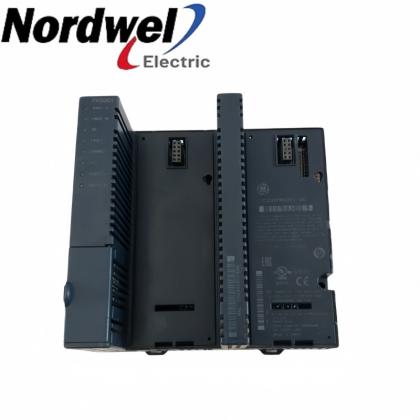
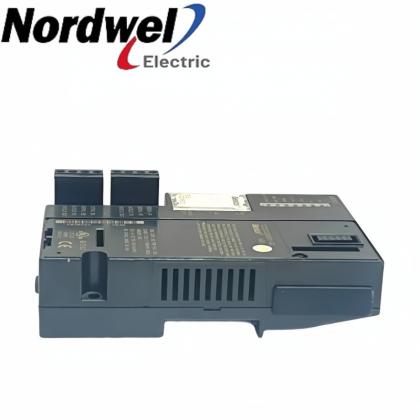
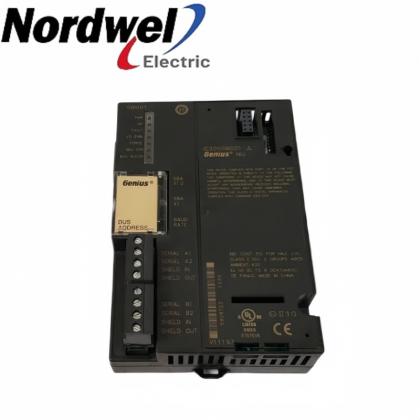
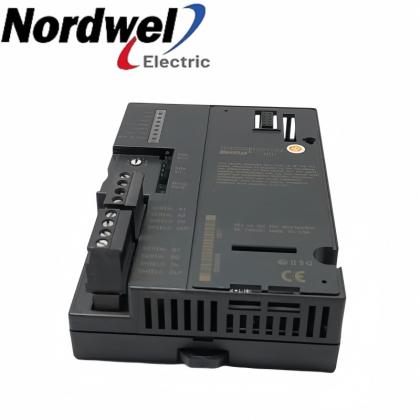
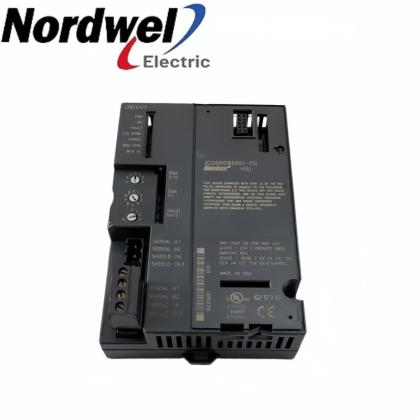
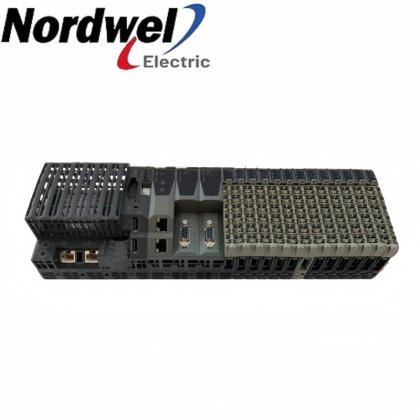
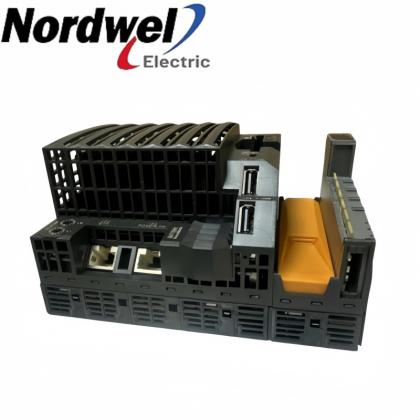
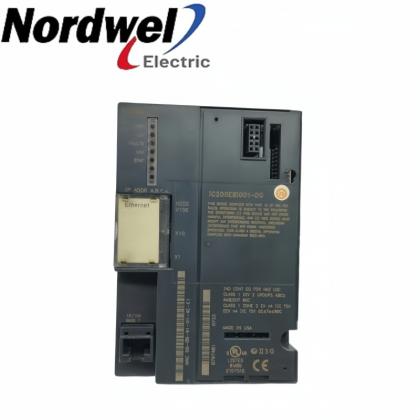
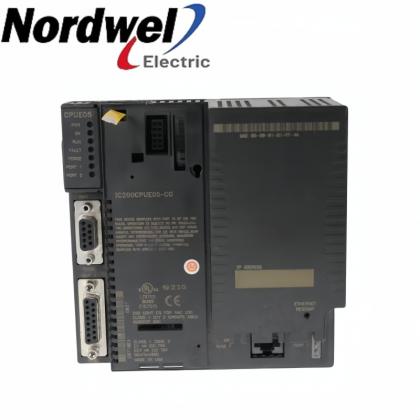
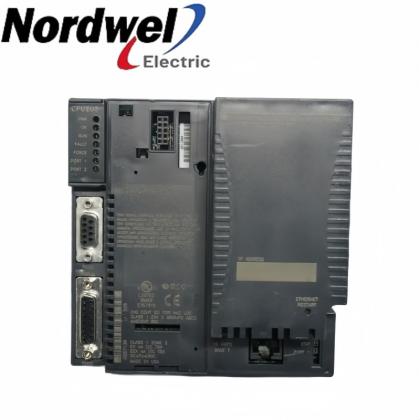
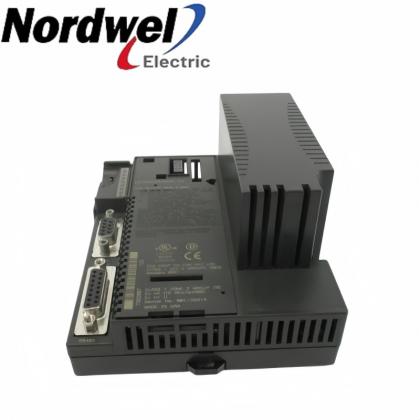
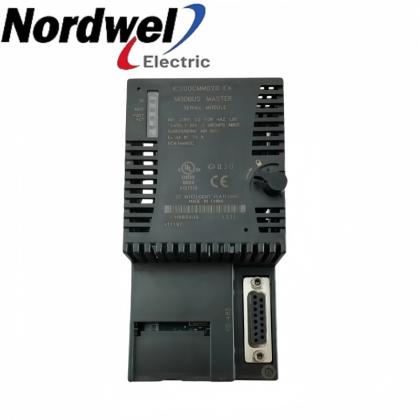
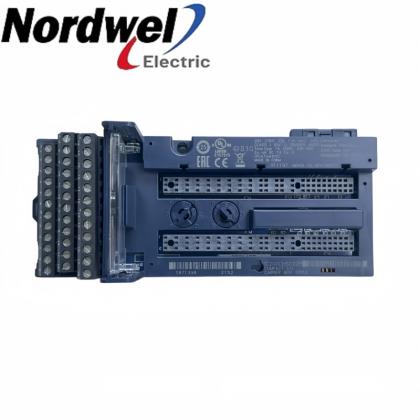
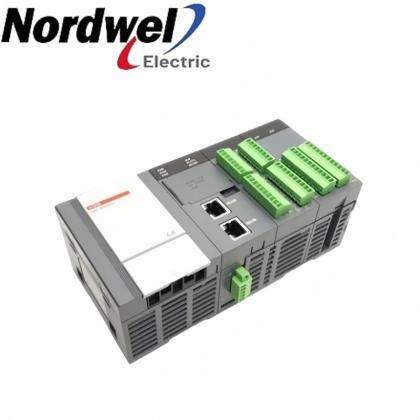
IC695PNS001-BCBD PACSystems RX3i PROFINET Scanner

GE IC695PNS001-BCBD PACSystems RX3i PROFINET Scanner

EMAIL SALES
GE manufacturer data reviewed
IC695PNS001-BCBD — PACSystems RX3i PROFINET Scanner

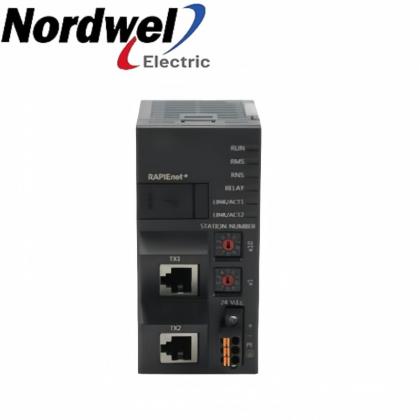
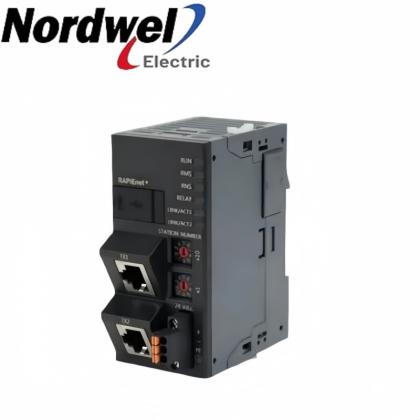
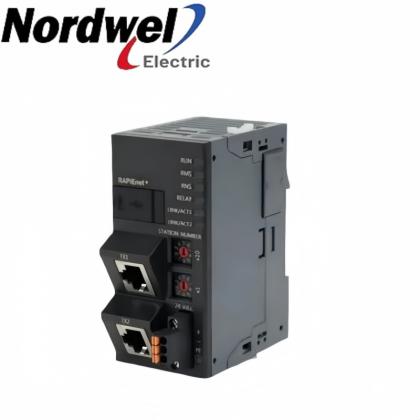
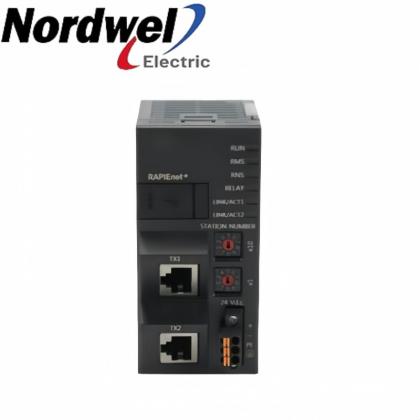
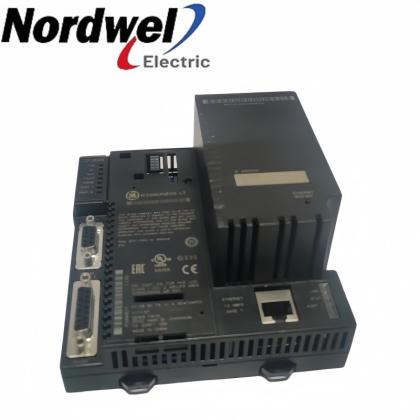
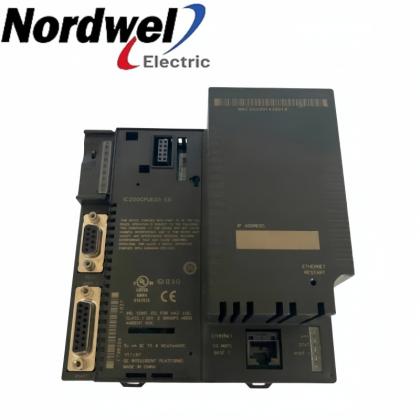
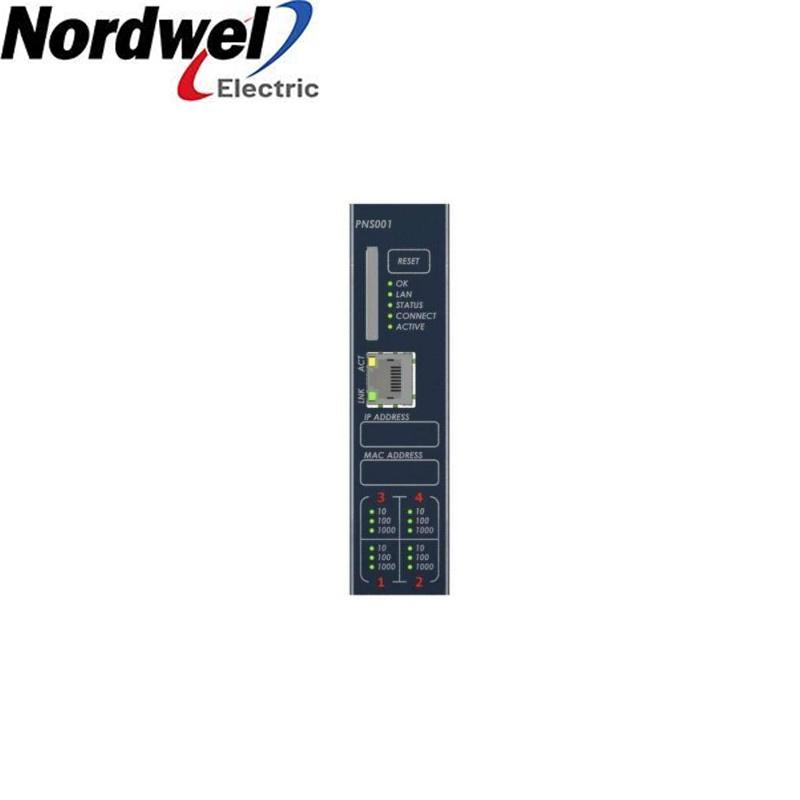
A PROFINET scanner for RX3i remote I/O nodes, with two RJ45 ports and two SFP positions supporting 10/100/1000 network connectivity.

GEPACSystems RX3i remote I/OExact-model review
Sales engineerTiffany Guan
Phone / WhatsApp+86 18030235313
IC695PNS001-BCBD verified profile
ManufacturerGE
Exact modelIC695PNS001-BCBD
Product typePACSystems RX3i PROFINET Scanner
Product familyPACSystems RX3i remote I/O
Primary roleConnects an RX3i remote I/O station to a PROFINET I/O controller through the scanner module’s Ethernet interfaces.
Interface contextBase catalogue number IC695PNS001; complete BCBD suffix retained as the receiving and replacement identity.
  • Brand:

    General Electric
  • Goods Stock:

    1
  • Part Number:

    IC695PNS001-BCBD
  • Description:

    A PROFINET scanner for RX3i remote I/O nodes, with two RJ45 ports and two SFP positions supporting 10/100/1000 network connectivity.
EXACT-MODEL PROCUREMENT

Get a precise quote for IC695PNS001-BCBD

CONTACT TIFFANY
MANUFACTURERGE
PRODUCT TYPEPACSystems RX3i PROFINET Scanner
CONTACTTiffany Guan

Product role and selection context

Remote station interface

Places distributed RX3i I/O on a PROFINET network.

Copper or fiber planning

RJ45 and SFP positions support topology planning around the installed network.

Exact-code replacement

BCBD is checked as the complete receiving code.

Controller coordination

Commissioning settings must agree with the controlling project.

Verified selection summary

Verified identityIC695PNS001-BCBD
ManufacturerGE
Product categoryPACSystems RX3i PROFINET Scanner
System familyPACSystems RX3i remote I/O
Primary roleConnects an RX3i remote I/O station to a PROFINET I/O controller through the scanner module’s Ethernet interfaces.
Selection controlBase catalogue number IC695PNS001; complete BCBD suffix retained as the receiving and replacement identity.
OFFICIAL MANUFACTURER DATA

IC695PNS001-BCBD technical profile

Base catalogue number IC695PNS001
Network role PROFINET scanner for an RX3i remote I/O station
Ethernet interfaces Four ports: two RJ45 and two SFP positions
Supported link rates 10/100/1000 Ethernet
Protocol profile PROFINET version 2.3, conformance class A
Included media Blank SD card supplied with the base module
Exact suffix handling BCBD retained without decoding
Document basis Emerson PACSystems RX3i PROFINET Scanner product and ordering information

Values are limited to published Emerson/GE product, installation or release documentation. The complete suffix is retained for exact-model control.

FIELD CHECKLIST

Installation review

  • Confirm the full IC695PNS001-BCBD identity on the removed unit.
  • Review station name, network addressing and controller configuration before exchange.
  • Select copper or approved SFP media for the intended distance and topology.
  • Verify the blank or configured SD-card handling plan before energizing.
  • After replacement, check link state, station discovery and I/O data exchange.
De-energize the system and follow the site electrical-safety procedure before handling installed equipment.
COMPATIBILITY CHECK

Five-point installation check

Backplane contextRX3i remote I/O station
Network contextPROFINET I/O
Media reviewRJ45 copper or supported SFP transceiver
Configuration reviewStation name, addressing and controller project
Receiving ruleMatch IC695PNS001-BCBD exactly
For an exact-model review, include the full nameplate, installed role, quantity and destination. Tiffany will verify the requested code before quotation.

More General Electric models

EMAIL SALES

Additional Advantage Models

IC695PNS001-BCBD Order Guide

Use this six-step review to keep quotation, compatibility and receiving decisions tied to the complete requested code.

01
Read the full code

Use IC695PNS001-BCBD exactly as shown on the label or requisition.

02
Define the installed role

Connects an RX3i remote I/O station to a PROFINET I/O controller through the scanner module’s Ethernet interfaces.

03
Record system context

Identify the PACSystems RX3i remote I/O hardware and surrounding configuration.

04
Verify interfaces

Compare power, backplane, network, optical or firmware requirements as applicable.

05
Document site constraints

Include environment, approvals, shutdown window and receiving inspection needs.

06
Request exact review

Send the evidence to Tiffany Guan for an exact-code quotation.

ENGINEERING ENQUIRY CHECKLIST

Middle East Demand Specialist Models

MODELIC695PNS001-BCBD
FAMILYPACSystems RX3i remote I/O
ROLEPACSystems RX3i PROFINET Scanner
EVIDENCEFull label and installed context
QUANTITYState required units and urgency
DESTINATIONCountry, city and delivery terms

IC695PNS001-BCBD support and FAQ

Model-specific answers for compatibility, installation, replacement and commissioning questions.

Pre-installation support

Identity

Match the complete IC695PNS001-BCBD code.

System

Record the installed PACSystems RX3i remote I/O context.

Configuration

Back up settings, firmware or network details where applicable.

Commissioning

Plan measurable checks before return to service.

Frequently asked questions

What function does IC695PNS001-BCBD perform?

It serves as the PROFINET scanner for an RX3i remote I/O station and exchanges I/O data with the controlling PROFINET system.

Can the BCBD suffix be ignored during replacement?

No. Use the complete IC695PNS001-BCBD code for receiving control even when official performance data is published under the IC695PNS001 base catalogue number.

Which physical network connections are available?

Official ordering information identifies four Ethernet positions: two RJ45 ports and two SFP positions.

Does it support gigabit links?

The official product information lists 10/100/1000 Ethernet capability; the actual link also depends on the selected port, media and peer equipment.

What should be backed up before a scanner exchange?

Record the station name, addressing, controller configuration, installed SFP types and SD-card handling so the replacement can be commissioned against the existing design.

Is an SD card included with the base scanner?

Official ordering information states that a blank SD card is included with IC695PNS001. Confirm how the site configuration uses that media before replacement.

Can any SFP be installed?

Use only a transceiver supported for the scanner and confirm fiber type, wavelength, connector and distance before installation.

What should be checked after wiring?

Check power status, each used link, station discovery and successful I/O data exchange before returning the node to service.

Is this a direct substitute for every IC695PNS001 suffix?

Do not assume suffix interchangeability. Compare the full order code, installed firmware requirements and site configuration.

What information is needed for a quotation review?

Provide the complete model, label photo, required quantity, installed network media and destination so the exact-code request can be reviewed.

Sales managerTiffany Guan
Mobile / WhatsApp+86 18030235313
MODEL DIRECTORY

PACSystems RX3i PROFINET Scanner Model Directory

Directory links stay within Nordwel; use the contact block above for an exact-model review.

ENGINEERING REVIEW

IC695PNS001-BCBD Technical Checkpoints

01Nameplate and suffix review
02Backplane and slot review
03Input or network compatibility
04Firmware baseline check
05Fiber and connector review
06Rack-load verification
07Grounding and isolation review
08Receiving inspection plan
09Post-installation test plan

The checkpoint list supports enquiry preparation; the installed design and official instructions remain controlling.

IC695PNS001-BCBD applications

A PROFINET scanner for RX3i remote I/O nodes, with two RJ45 ports and two SFP positions supporting 10/100/1000 network connectivity.

Application contexts

Distributed machine I/O

Connects an RX3i remote I/O station to a PROFINET I/O controller through the scanner module’s Ethernet interfaces.

Process-area remote I/O

Base catalogue number IC695PNS001; complete BCBD suffix retained as the receiving and replacement identity.

Mixed copper/fiber plant networks

A PROFINET scanner for RX3i remote I/O nodes, with two RJ45 ports and two SFP positions supporting 10/100/1000 network connectivity.

Exact-code maintenance replacements

Use the complete order code for controlled maintenance and receiving.

Engineering benefits

Four physical network positions

Reduces ambiguity by retaining the complete suffix.

Gigabit-capable base hardware

Keeps installation checks aligned with official parameters.

PROFINET class-A device profile

Supports faster quotation review with clear site evidence.

SD-card-supported service workflow

Creates a practical commissioning record for maintenance teams.

Application suitability depends on the installed backplane, power, network, optical media, firmware and environmental conditions relevant to this exact model.
Need a model-specific review? Contact Tiffany Guan at sales2@mooreplc.com or +86 18030235313.
MAINTENANCE PREPARATION

Industrial Spare Parts Reference

01Exact-code receiving label
02Nameplate photograph record
03Backplane slot map
04Input-source verification
05Protective-earth check
06Terminal condition inspection
07Approved conductor preparation
08Rack-load calculation
09Ambient-temperature record
10Humidity and condensation check
11Firmware baseline record
12Configuration backup
13Network address record
14Fiber-route record
15Connector-cleaning kit
16Link-status verification
17Fault-indicator record
18Overload-indicator record
19Overtemperature check
20Spare-unit storage plan
21ESD handling procedure
22Shutdown work permit
23Pre-start inspection sheet
24Post-start acceptance sheet
25Change-control approval
26Quantity confirmation
27Destination confirmation
28Packaging inspection
29Serial-number log
30Maintenance handover note

Use this reference to prepare the enquiry and installation package for IC695PNS001-BCBD.

Leave A Message
If you are interested in our products and want to know more details,please leave a message here,we will reply you as soon as we can.
Submit
New Products

Leave A Message

Leave A Message
If you are interested in our products and want to know more details,please leave a message here,we will reply you as soon as we can.

Home

Products

contact

whatsapp